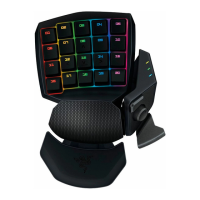
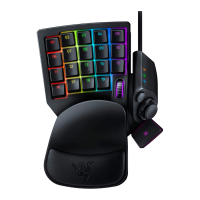
Each key can be programmed using the following functions:
Single Key - Change the function of the key to another.
Macro - Assign a macro to the key.
Keymap - Assign a keymap to the key to quickly change settings.
Default - Revert to the default function of the key.
Profile - Assign a profile to the key for quick profile change.
Launch program - Activate a program with a key.
Disable - Disable the functionality of the key.
Mouse - Assign a mouse function to the key.
Left Click
Right Click
Scroll Click
Mouse Button 4
Mouse Button 5
Double-Click
Scroll Up
Scroll Down
*Make use of the Current Profile drop down menu to switch between different profiles during key
assignment.
KEYMAPS
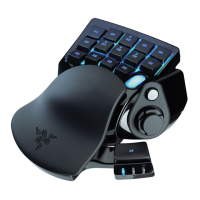
You can toggle between Keymaps within each Profile. The lighting on the 3 LEDs on the Razer Nostromo
will instantly show you the exact Keymap you are using.


 To Next Page