Multi-Device Pairing
With the Razer Productivity USB dongle, you can pair an additional compatible device and use the
same wireless IJSBdongle to control both devices.
Sidebar
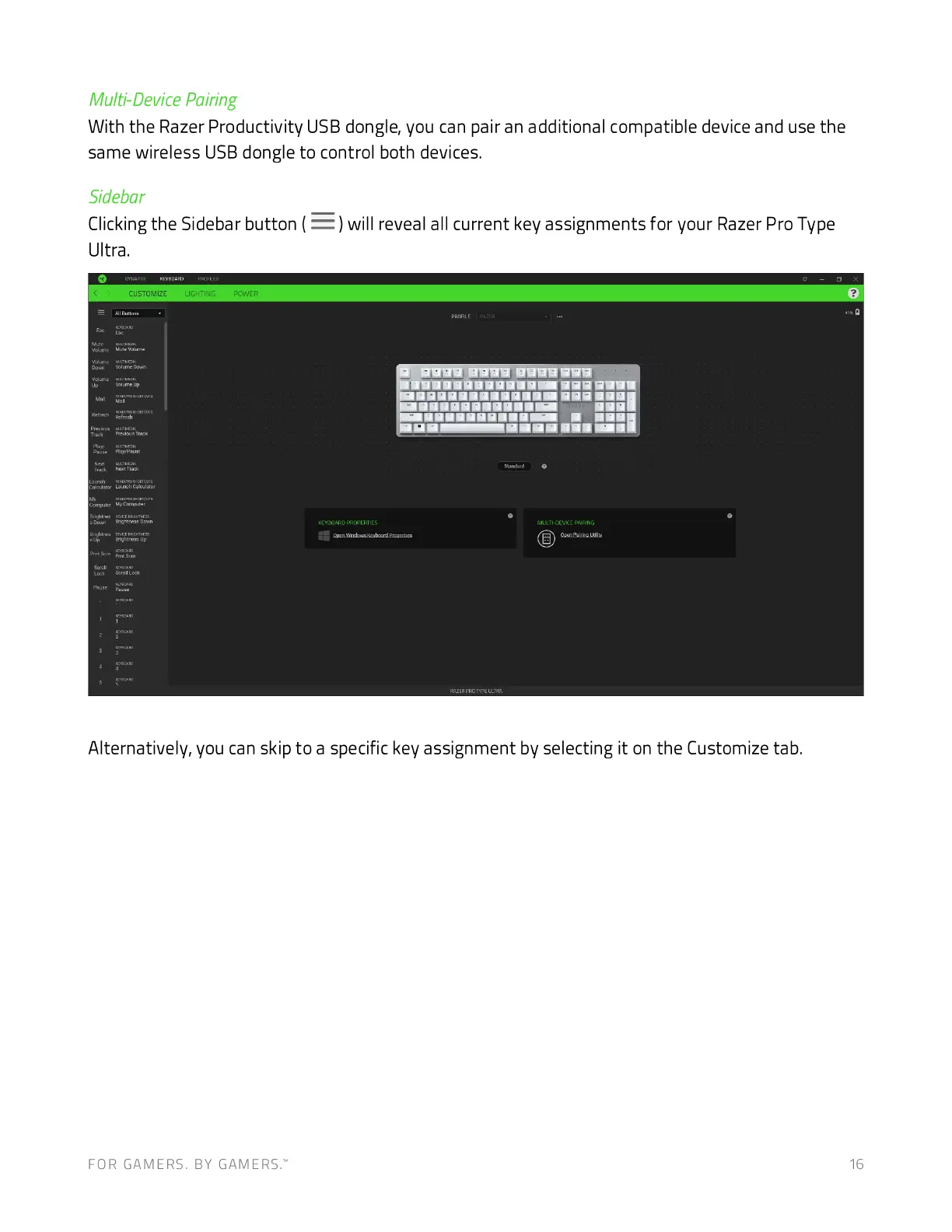
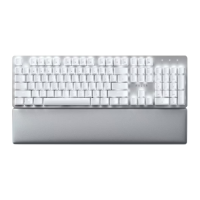
Clicking the Sidebar button ( ) will reveal all current key assignments for your Razer Pro Type
Ultra.
CUSTOMIZE
aue
aaaaaaaa•a— aaa
Hut 1'-Wack
Alternatively, you can skip to a specific key assignment by selecting it on the Customize tab.
FOR GAMERS. BY GAMERS: 16







 To Next Page