2
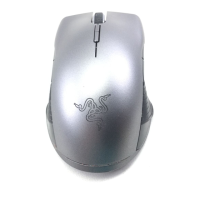
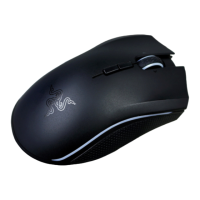
DEVICE LAYOUT
[Placeholder image]
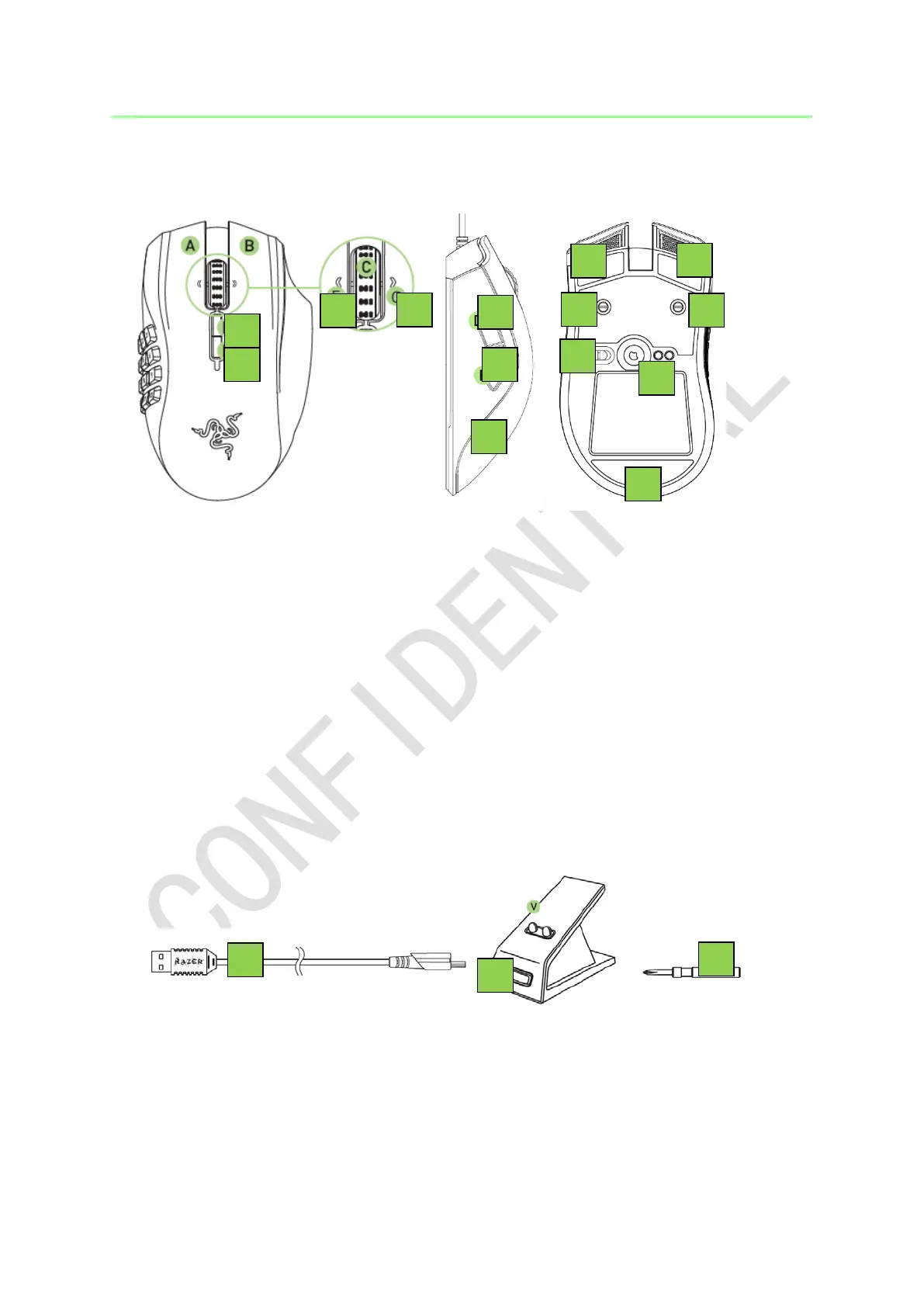
A. Left mouse button
B. Right mouse button
C. Scroll wheel
D. Left tilt-click - scroll left
E. Right tilt-click - scroll right
F. Sensitivity button - stage up*
G. Sensitivity button - stage down*
H. Mouse button 5
I. Mouse button 4
J. Side Strips
K. Ultraslick mouse feet
L. Adjustable click force mechanism
M. Wireless on/off switch
N. 16000 DPI4G sensor
[Placeholder image]
O. Charging cable
P. Charging dock
Q. Screwdriver
Note: Once you have installed Razer Synapse, you will have access to more DPI options which
you can configure to the Sensitivity buttons.


 To Next Page