13 | razer™
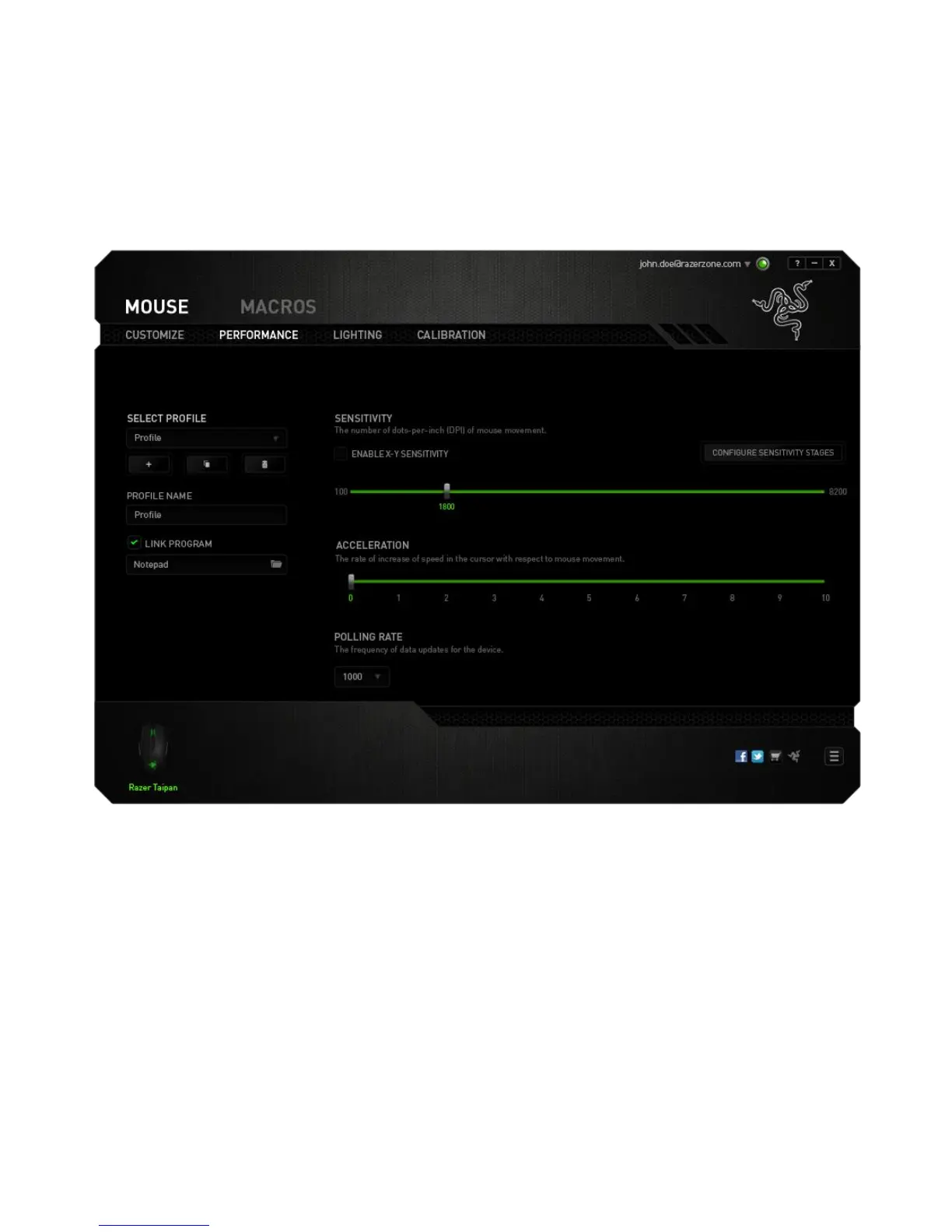
PERFORMANCE TAB
The Performance Tab allows you to enhance the speed and precision of your mouse
pointer. Similar to the Customize Tab, the changes made here are automatically saved
to your current profile.
Listed below are the performance options and their descriptions.
Sensitivity
Sensitivity pertains to how much effort is needed to move the mouse pointer in any
direction. The higher the sensitivity, the more responsive the mouse will be.
(Recommended setting: 1600 – 1800)













 To Next Page