You can ignore delays between events of a macro by clicking on the respective checkbox before recording.
You can specify a fixed default delay timing to be used in between events of a macro by clicking on the
respective checkbox before recording.
Right-clicking inside the Macro window allows you quick access to a list of extra commands for inserting or
editing in-between the keystrokes of your macro.
LIGHTING TAB
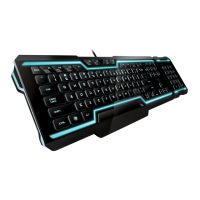
The lighting tab allows you to customize the look of the TRON Gaming Keyboard by giving you the ability to
turn on/off the:
• Keyboard backlight
• Sidestrips













 To Next Page