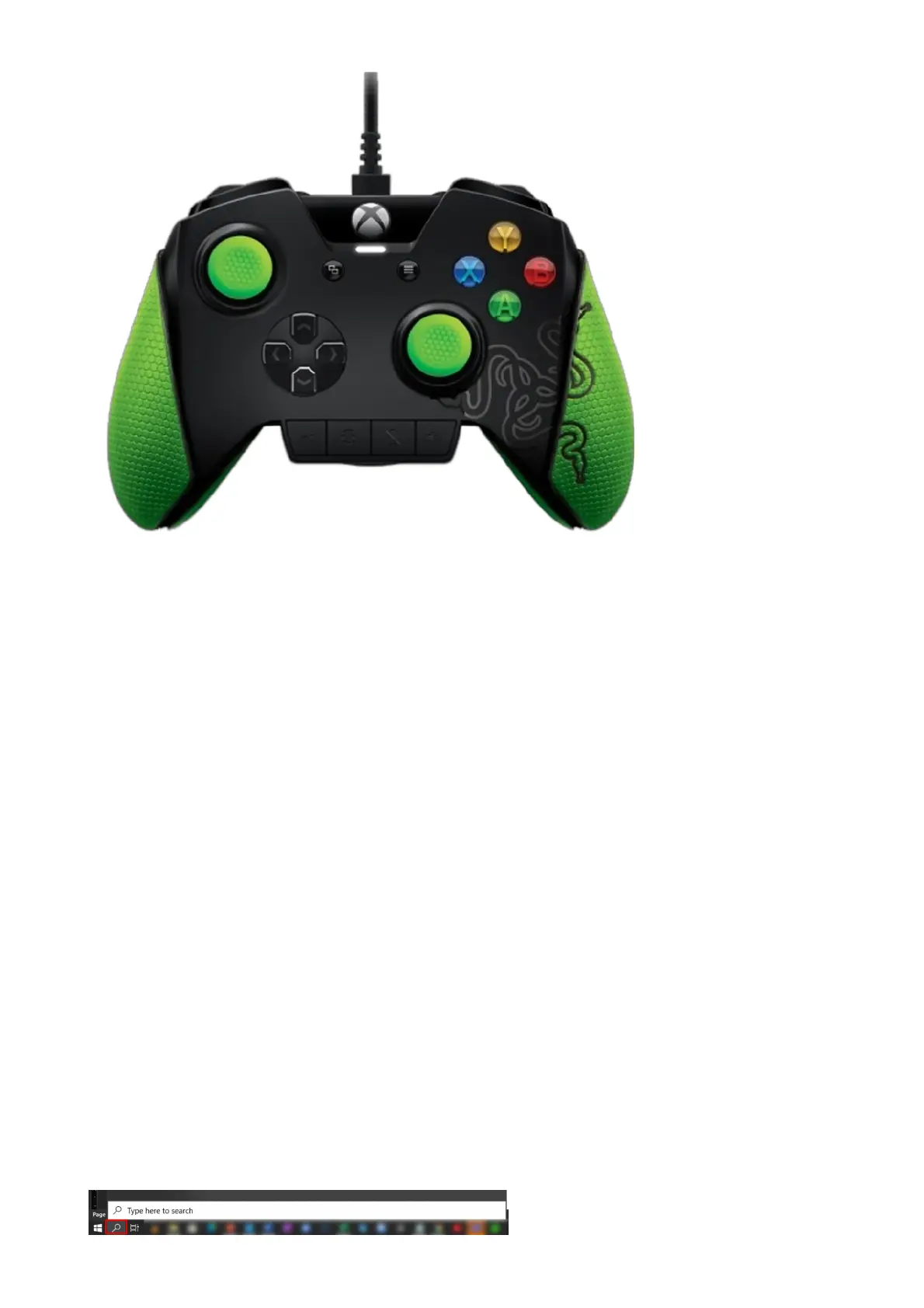
Can the wire be detached so I can use my Razer Wildcat as a wireless controller?
While the wire can be detached for portability, the Razer Wildcat cannot be used as a wireless
controller as it is designed specifically for eSports and requires minimal latency for competitive
gaming?
Will the Palm Grips for the Razer Wildcat be sold separately in different colors?
There are currently no plans for the grips to be sold separately and in different colors.
How do I clean my Razer Wildcat controller including the optional rubber palm
grips and residue after removing the optional rubber palm grips?
We recommend cleaning the Razer product with commonly available non-alcoholic wet wipes or moist
towelettes. To clean your Razer controller, gently rub the non-alcoholic wet wipe on the area of the
controller you wish to clean. Do not use harsh cleaning agents or scrub your Razer controller.
How can I get my Razer Wildcat controllers to work on Windows 8.1/7?
Connecting an Xbox Wireless Controller to a Windows 8.1 or Windows 7 PC with a micro-USB cable, the
system will download and install drivers for the controller. If Windows did not automatically download
the device software, you can check for updates in the Device Manager.
Note: If you’re using an Xbox Series X|S, Xbox Elite Wireless Controller Series 2, or Xbox Adaptive
Controller, you should use a USB-C cable to connect your controller.
Here are the steps in checking for updates manually in the Device Manager:
1. Open the search field by clicking the search icon on the lower left corner of the screen.










 To Next Page