16 | For gamers by gamers™
USING THE AUDIO CONTROL BUTTON
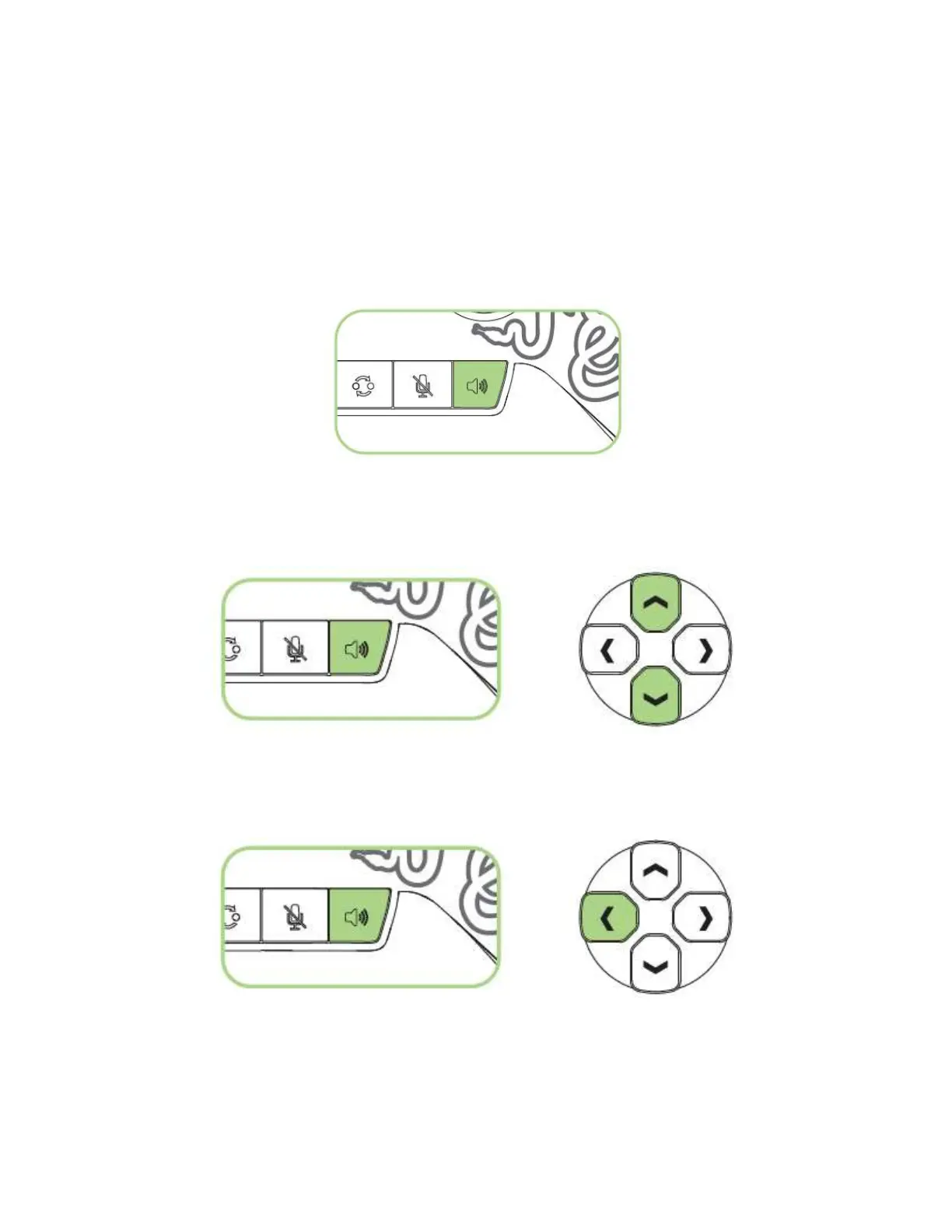
The Razer Wildcat has a multi-purpose audio control button which you can use to
increase or decrease the master volume as well as change the balance between the voice
chat and game volume.
To increase the master volume, simply press the audio control button.
To fine-tune the master volume, press and hold the audio control button then press the
directional pad’s up or down button to increase or decrease the volume respectively.
To increase the voice chat volume and decrease the game volume, press and hold the
audio control button then press the directional pad’s left button.










 To Next Page