Chapter 1: Connections & Setup
10 Chapter 1
Left side (when facing the unit)
Headphone jacks Connect headphones to listen to the sound.
Note: When either or both of the headphones are in use, there will be no sound from the speakers.
AUDIO OUT (L/R) Sends the audio playing in the TV/DVD to another component, such as a TV or sends
the sound to powered (amplified) speakers.
VIDEO OUT Sends the video playing in the TV/DVD to another component such as a TV.
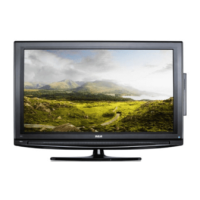
LCD screen
Stand
Front of the TV/DVD
1628714C_1_C&S 8/27/04, 10:00 AM10



 To Next Page
 Loading...