8 Chapter 1
Graphics contained within this publication are for representation only.
Connections & Setup
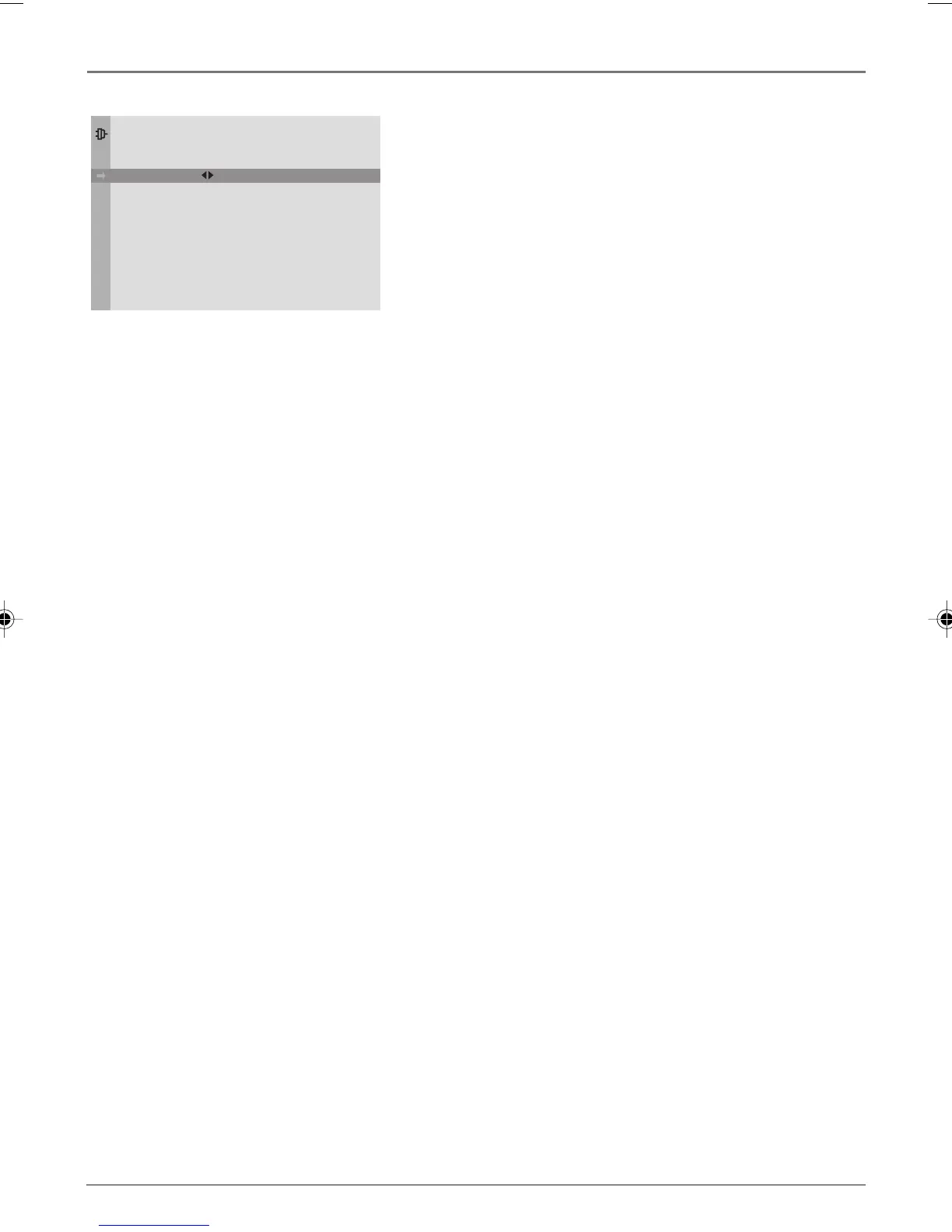
Complete Auto Channel Search
This part of the setup allows the TV to search for all channels
viewable through your antenna or cable TV system. This is
sometimes called auto programming.
1. Highlight Auto Ch. Search and press OK.
2. The Signal Type option is set to Cable. To change the option
to Antenna, press the right arrow button and then press OK.
3. Press the down arrow button to highlight Start. Press OK to
begin the auto channel search.
Once the search is complete, you can begin watching TV. For
information on customizing your channels or menu options, go
to Chapter 4.
Go Back
Signal Type
Start
Channel
AUTO CHANNEL SEARCH
Cable. . .
1616332A.01_C&S 4/22/04, 4:05 PM8



 To Next Page
 Loading...