Viewfinder Playback and Playback Features
44
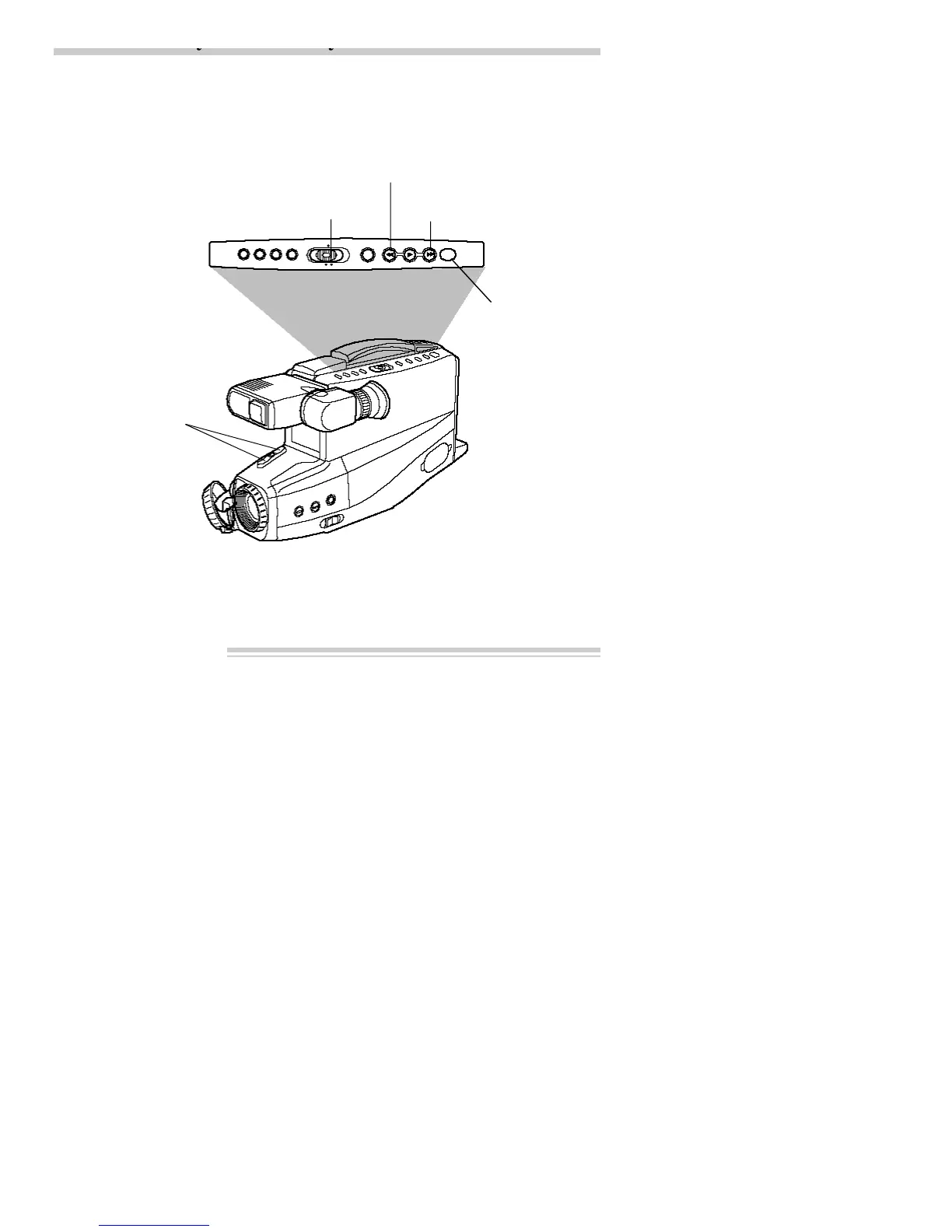
REW (Rewind)/REVIEW
STOP/EJECT
CAMERA/OFF/VCR
Switch in VCR position
TRACKING
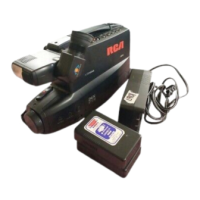
1. Attach a power supply to the
camcorder.
2. Press and hold the small button on
CAMERA/OFF/VCR while sliding it
to VCR.
3. Press STOP/EJECT and insert the
cassette you want to play back.
Note: The camcorder can only play back
tapes recorded at SP speed.
4. Press PLAY to begin playback. Adjust
TRACKING if necessary.
5. Press STOP/EJECT when you are
finished.
F.FWD (Fast Forward)


 To Next Page