Section 02: Understanding your device 13
Battery
Your device is powered by a rechargeable, standard Li-
)ONBATTERY!7ALL#HARGERISINCLUDEDWITHTHEDEVICE
for charging the battery.
Note: The battery comes partially charged.
You must fully charge the battery before using
your device for the first time. After the first
charge, you can use the device while charging.
Caution!5SEONLYAPPROVEDCHARGINGDEVICESAS
approved accessories are designed to maximize
BATTERYLIFE5SINGOTHERACCESSORIESMAY
invalidate your warranty and also cause damage.
Battery Indicator
The Battery icon in the Status Bar sdisplays the
BATTERYPOWERLEVEL7HENBATTERYPOWERISOR
less, your device prompts you to charge the battery.
If you continue to operate the device without charging,
then the device powers off.
Tip: Touch the Time field to display battery charge status.
Charging the Battery
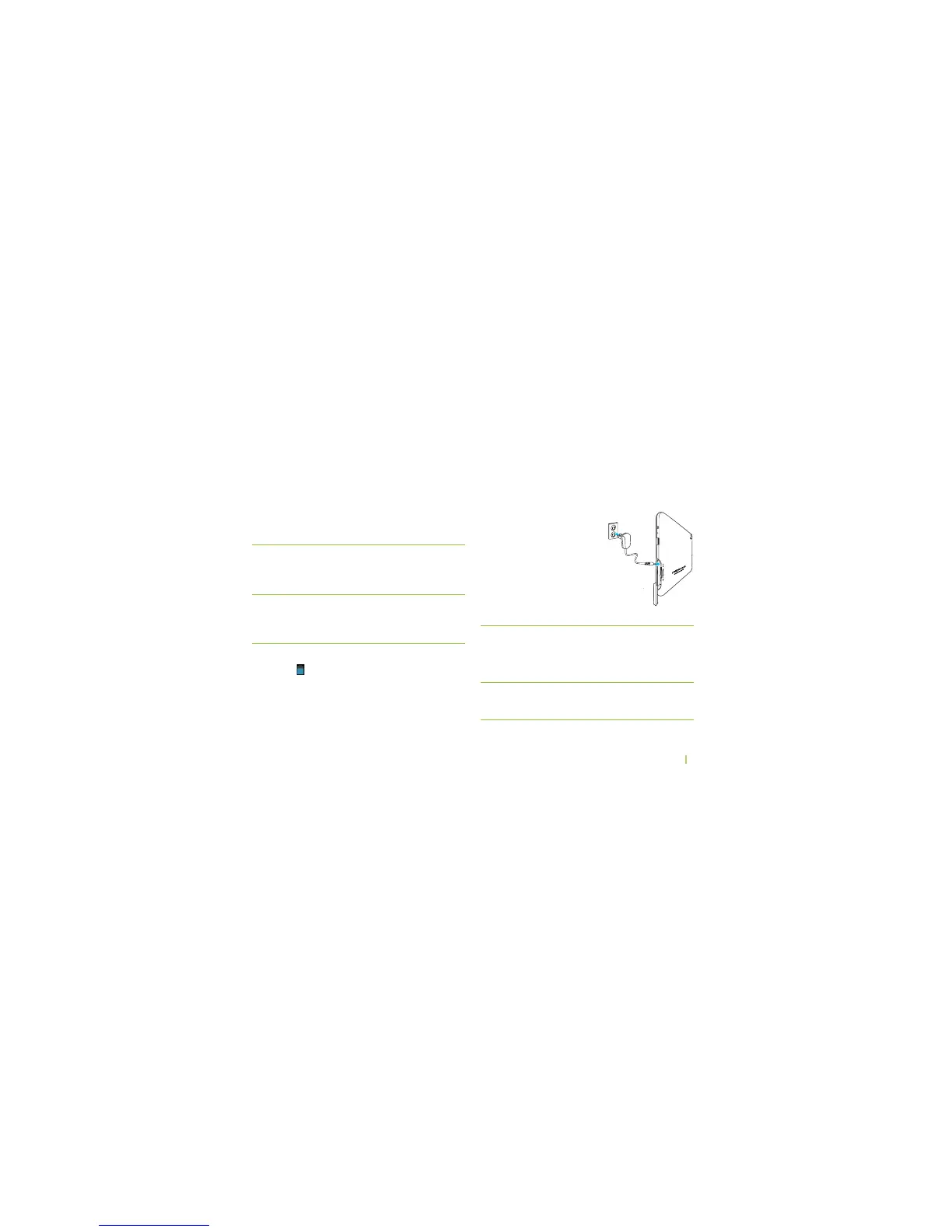
9OURDEVICECOMESWITHA7ALL
Charger (Outlet Connector) to
charge your device from any
standard AC power outlet.
1. Open the side cover and turn
it to expose the port.
2. Connect the AC adapter to
the device’s Charger Port and
standard AC power outlet.
Caution! Only use the charger that came with your
tablet when charging your tablet.
$O./4ATTEMPTTOCONNECTACHARGERTOTHE53"
PORT4HE53"PORTISUSEDFORDATATRANSFERSONLY
NOT for charging.
Note: The battery should only be replaced by an
approved service facility. Any attempt to remove
or replace your battery may damage the product.



 To Next Page