Section 03: Home screen and basics 21
Adding additional accounts
!FTERSETUPYOUCANADD'OOGLE©-ICROSOFT%XCHANGE
ActiveSync, Facebook, conventional e-mail, and other
kinds of accounts, depending on which applications
YOUHAVEINSTALLED%ACHACCOUNTSYNCSSOMEORALLOF
the account’s data. If you add more than one Google
Account, then only the first Google Account you sign
into is backed up to Google servers. Some applications
that only work with a single account only display data
from the first account that you sign into.
Touch Settings
>
Accounts & sync
>
ADD ACCOUNT
Æ Follow the onscreen instructions to enter the required
account information Æ Configure the account settings
Removing an account
Touch Settings
>
Accounts & sync
>
ADD ACCOUNT
Æ Touch the account you want to delete Æ Touch Menu
Æ Touch Remove account Æ Touch Remove account to
confirm
Home screen and basics
_03
4ONAVIGATEYOUR(OMESCREENSIMPLYSWIPEYOURlNGER
TOTHELEFTORRIGHTTOVIEWYOUR(OMESCREENPANELS
You can also customize each panel by adding widgets,
shortcuts to your favorite applications, and folders, and
set your wallpaper.
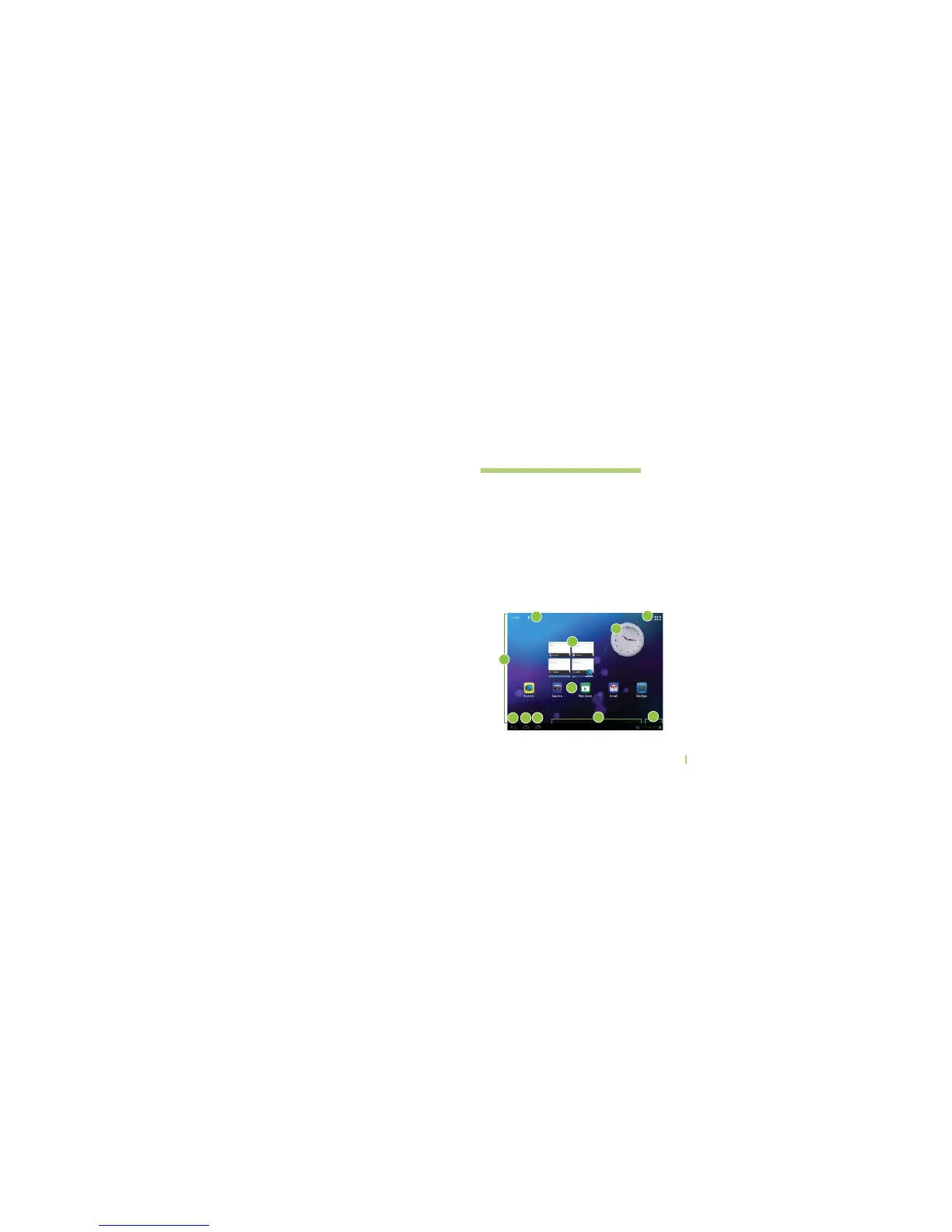
4HE(OMESCREENISYOURSTARTINGPOINTFORACCESSING
all the features on your device. It displays application
shortcuts, icons, widgets, and other features.
1
6 7
18
4
2
3
5
3
10
9



 To Next Page