18 Section 02: Understanding your device
sGet an account: Touch if you do not already have a
Google account and need to create a new one.
Creat a Google account following the prompts.
sNot now: Touch to skip the account setup for now.
You can sign into a Google account later in Settings,
UNDER!CCOUNTSSYNC
4HE5SE'OOGLELOCATIONSCREENAPPEARS
Use Google Location
s'OOGLESLOCATIONSERVICEUSESDATAFROMSOURCES
SUCHAS7I&INETWORKSTOHELPAPPSDETERMINE
your approximate location, even when GPS is not
available.
s2EADTHESELECTIONSCAREFULLYANDTHENEITHERTOUCHTHE
options to select/deselect the options, or change them
later in Settings.
Touch Next to continue.
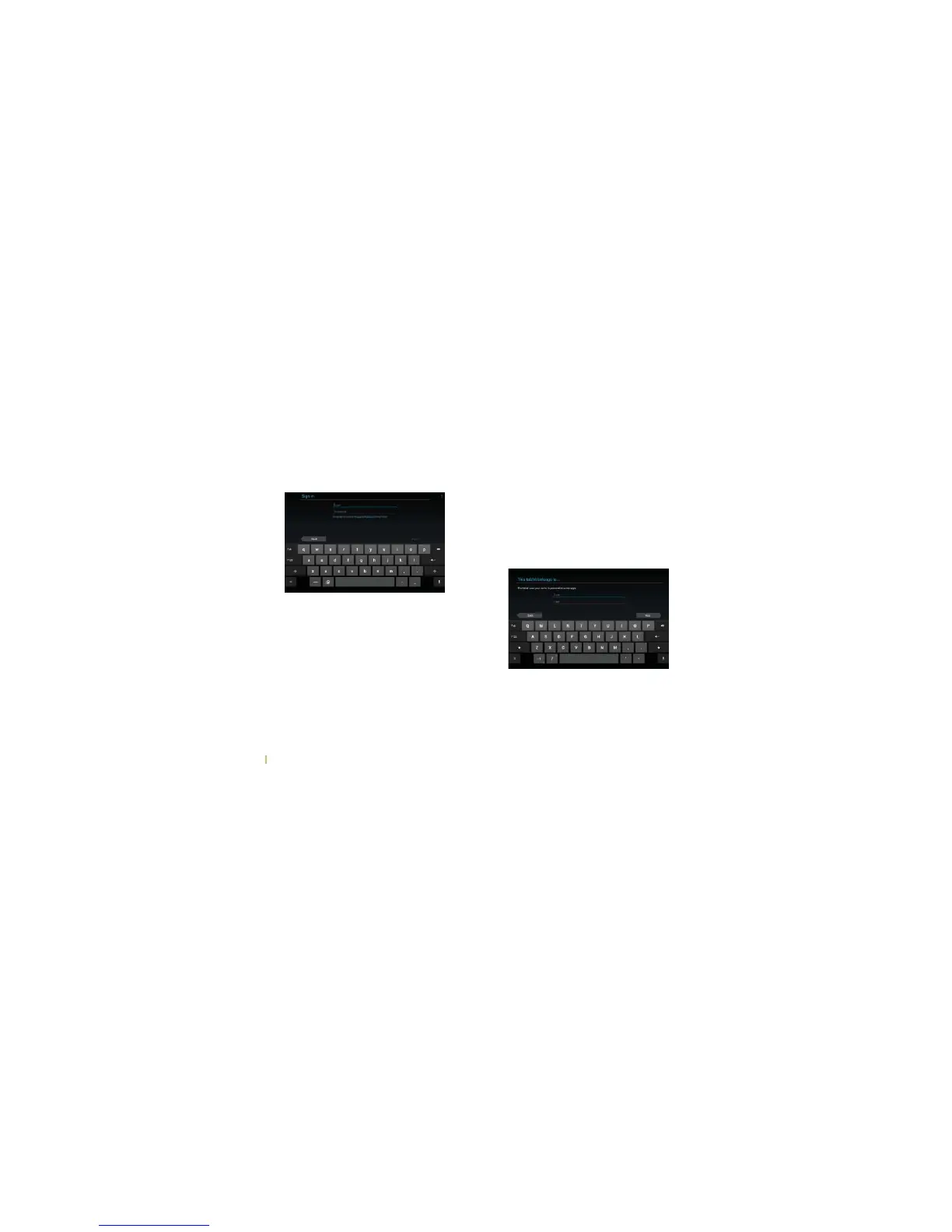
The "This tablet belongs to…" screen will then appear.
There are two options for the “This tablet belongs to…,”
s%NTERYOURINFORMATIONINTOTHE&IRSTAND,ASTNAME
fields Æ Touch Next
s4OUCHNext to continue (without entering the
information).
The “Google Services” screen will then appear.



 To Next Page