Chapter 3 21
Using the TV’s Menu System
Graphics contained within this publication are for representation only.
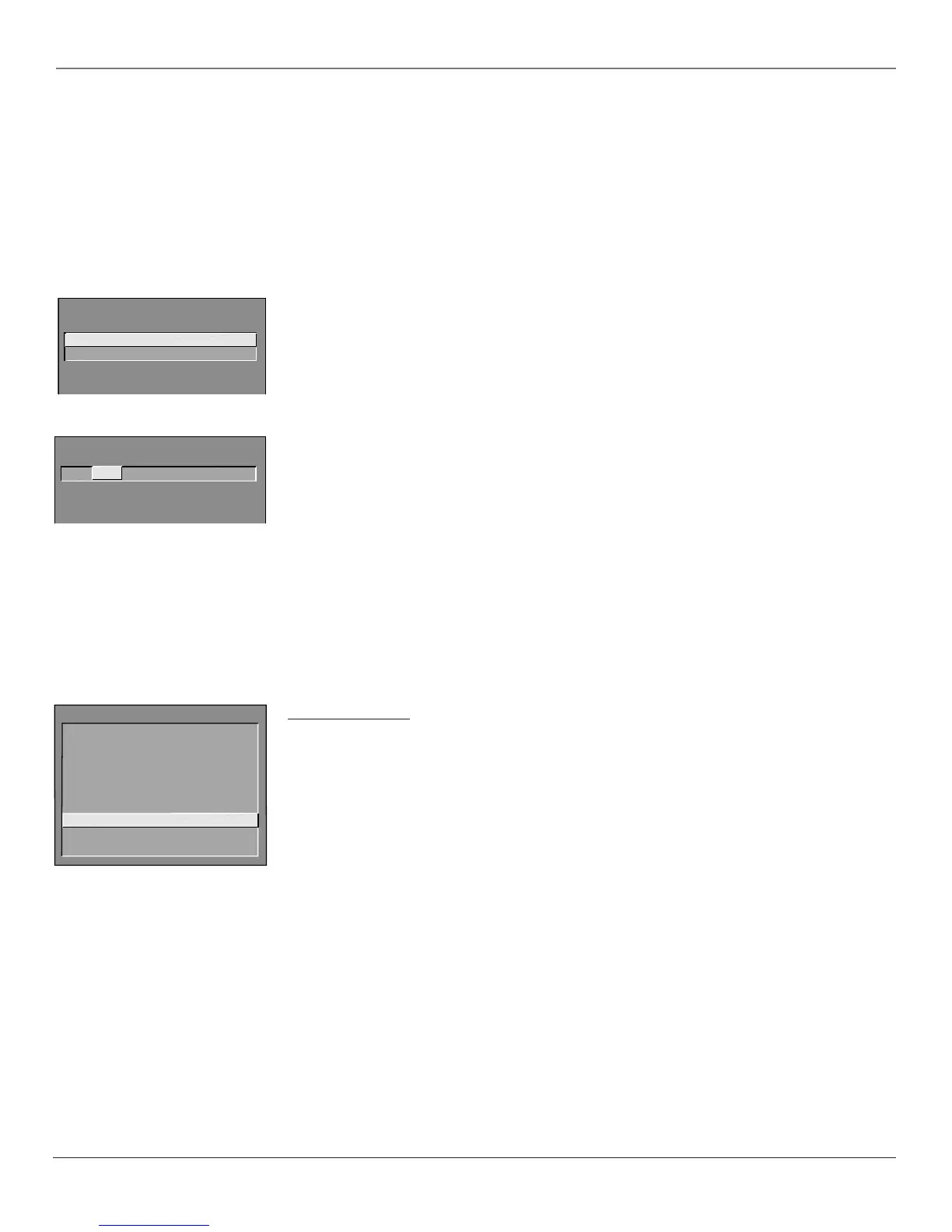
1 View
2 Block
V-CHIP UNRATED PROGRAM BLOCK
Viewing Specific Content Themes
If you block specific content themes, you have the option of going back and changing some of the content
themes back to (V) View:
1. Determine the content themes you want to change to (V) View.
2. Use the up/down arrow buttons to scroll to the rating whose content theme you want to change to View.
3. Press the right arrow button to move the yellow highlight to a particular content theme status.
4. Press the up or down arrow button to change its status back to V.
Note: Only the content theme status corresponding to TV-14 (L) language changes to (V) View. Higher rated content themes,
such as that for TV-MA language, do not change.
V-Chip Unrated Program Block
This option lets you decide if programs that the V-Chip recognizes as “unrated” can be viewed. “Unrated” TV
programs may include news, sports, political, religious, local and weather programs, emergency bulletins,
public announcements, and programs without ratings.
View All unrated programs are available.
Block All unrated programs are not available.
Note: You must remember to lock Parental Controls for rating limits to take effect.
Channel Block
Selecting this option lets you decide what channels can be viewed.
View Makes the selected channel viewable.
Block The front panel and remote control CH (channel) buttons will tune only to channels that you have
marked as View. The remote will still tune to the blocked channel if you use the digits to access the
channel, but the channel will be blocked.
Don’t forget to lock parental controls after you change the status of Channel Block. If you don’t, the channel
block will not take effect.
Note: If you have a digital cable box channels 126-999 can be blocked but will not be removable from your scan list.
Password
Selecting this option lets you specify a Parental Controls password (the default password is 5625 —spells
“lock” on a telephone-style keypad). Master users can enter a new password without being prompted for the
old one. Basic users must enter the old password before they can create a new one.
Menu Language
Use the arrow buttons on the remote to highlight your preferred language for the menu system. Press OK to
select that language.
CHANNEL BLOCK
Channel # Status
59 HEADLN Block
^
Press ^ or v, keypad, or CH ^/v
to set channel, MENU to exit.
MAIN MENU
1 Audio
2 Picture Quality
3 Channel
4 Access & Power Options
5 Closed Captioning
6 Time and Timers
7 Parental Controls
8 Menu Language/Idioma/Langue
9 PC Video Input Controls
0 Exit



 To Next Page