Inserting battery into the
player
1. Remove the battery door by
applying thumb pressure. Slide the
battery door in the direction of the
arrow, then lift the battery door
out and off the cabinet.
2. Insert a “AAA/LR03/UM4” battery
with polarities corresponding to
the indications on the
compartment.
3. Close the door of the battery
compartment.
Using Headphones
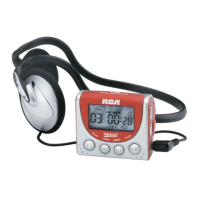
Insert phone plug into the
headphone jack ( ) of the player
for listening.
Have a Blast- Just Not in Your Ears.
Make sure you turn down the volume
on the unit before you put on
headphones. Increase the volume to
the desired level only after
headphones are in place.



 To Next Page