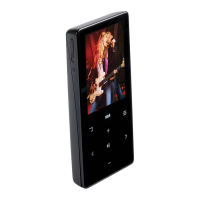
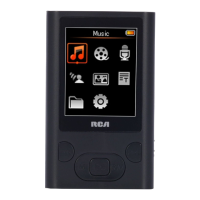
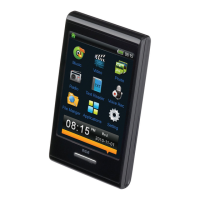
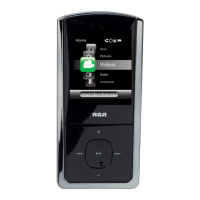
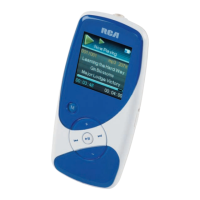
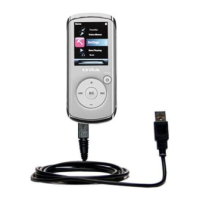
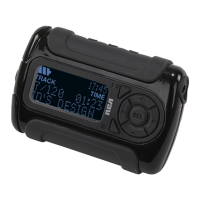
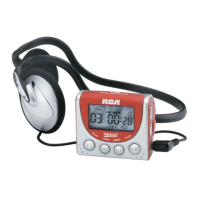
1. - SD/MMC card slot
2. -Headphone jack - Insert the
headphones here.
3. - Hold - Slide the switch to lock or
unlock the keys of the player
4. + - Increases the volume
5. - - Decreases the volume
6. DSP - Select DSP options
7. - In playback mode, press to set
start and end positions for A-B repeat.
- In playback mode, press and hold to
enter menu setting mode and make
selections.
- In stop mode, press once to enter menu
setting mode and make selections.
8. Display
9. - Press to turn on the unit. In music
mode, press once to start or pause
playback.
10. - Press and hold to turn off the
player. In music mode, press once to
stop playback.
11. - In menu mode, press to go to
next options. In music mode, press to
skip to next files.
12. - In menu mode, press to go to
previous options. In music mode, press
to skip to previous files.
13. USB port



 To Next Page