Chapter 1: Connections & Setup
12 Chapter 1
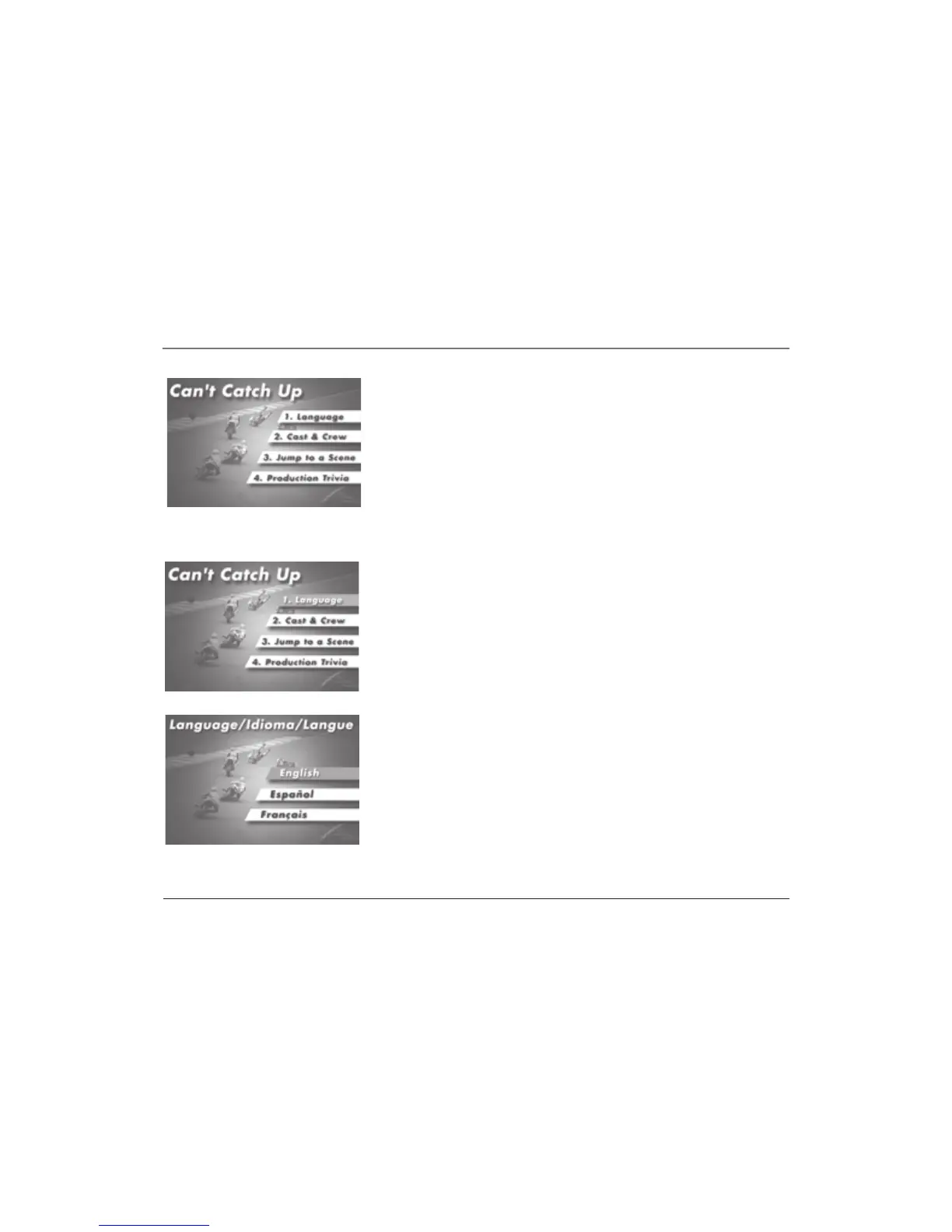
1. When the disc is first inserted and/or you press DISC MENU, the disc menu
appears.
This is an example of a disc menu. The
menus on discs vary because the disc
menu is created by the disc’s author.
In this example, English is highlighted.
Press ENTER on the remote to play the
disc with English dialog.
2. Press the up or down arrow button on the remote to highlight the section
of the disc menu you want to choose, and press ENTER. In the example on
the left, Language has been selected.
3. Press the up or down arrow button to select a language, and press ENTER.
4. Press PLAY/PAUSE to play the disc.



 To Next Page