Browsing through the entire channel list on the TV can be tedious. This TV features a favorite channel list,
where you can add in channels that you always want to watch
TO ADD TO THE FAVORITE LIST
1. Go to any channel you would like to include in your favorites list.
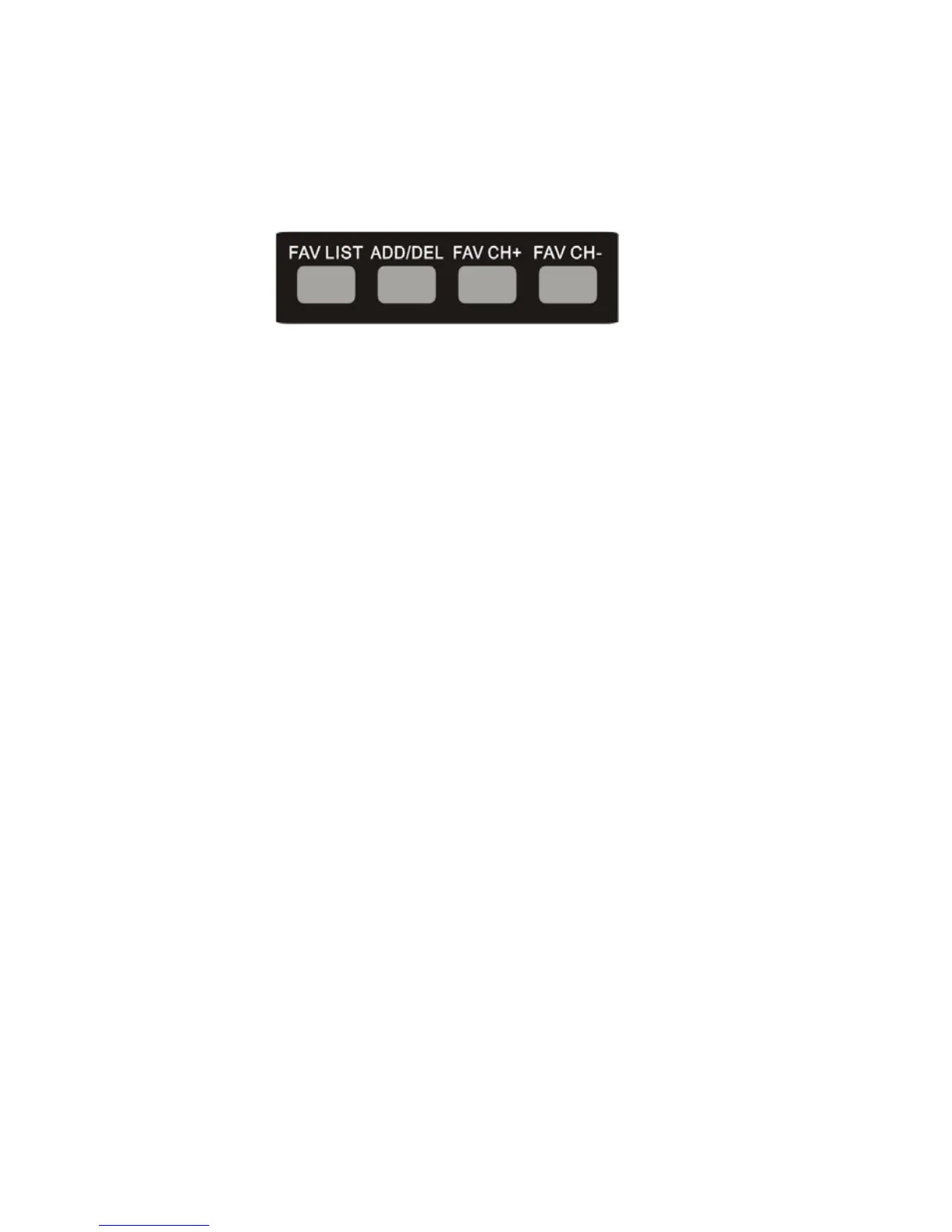
2. Press the ADD/DEL button on the remote control. You will see a (FAV) on the INFO banner
denoting that this channel is in the favorites list.
TO DELETE FROM THE FAVORITE LIST
1. Go to any channel you would like to remove from your favorites list.
2. Press the ADD/DEL button on the remote control. You will then see the (FAV) disappear on the
INFO banner denoting that this channel is no longer in the favorites list.
BROWSING CHANNELS WITH THE FAVORITE LIST
1. Press the FAVORITE button, and the list of channels you have added will be in a window.
2. Use the Ÿ or ź buttons to select the channel you want to jump to and press ENTER to confirm.
3. You can also use the FAV+/- keys to switch up and down the favorites list automatically.


 To Next Page