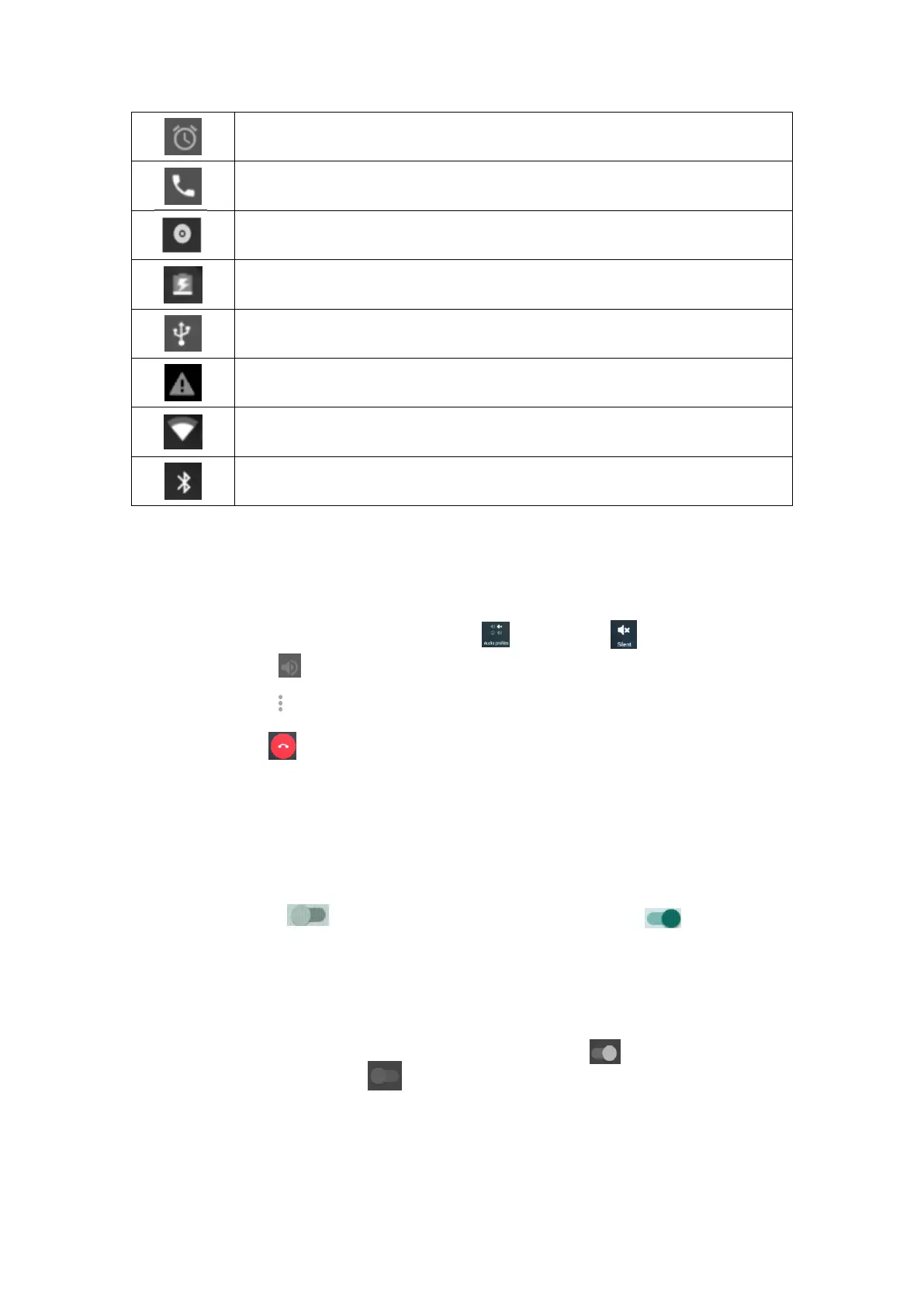
The alarm clock has been set and activated.
A piece of music is playing
USB connection is enabled
Connected to the WiFi network
◆ Calls Options
Mute: Open the drop-down menu, and Press to select the to mute the voice.
Hands-free: Press to switch on the hands-free speaker.
New call: Press to add a new call
End a call: Press to end the current call.
6. Data Connection
Data Connection: In the main menu, touch Data usage, touch the service operator of
the SIM card, touch to turn on the Cellular data, touch the to turn off the
Cellular data then show up a sub menu, to select “OK” is turn off the data connection.
Note: To enable data connection, please first insert a SIM card into the mobile phone
WiFi: In the main menu, touch Settings, touch Wifi off/on to turn on and scan.
To turn off, touch Wi-fi off/on again.
5


 To Next Page