EN
5
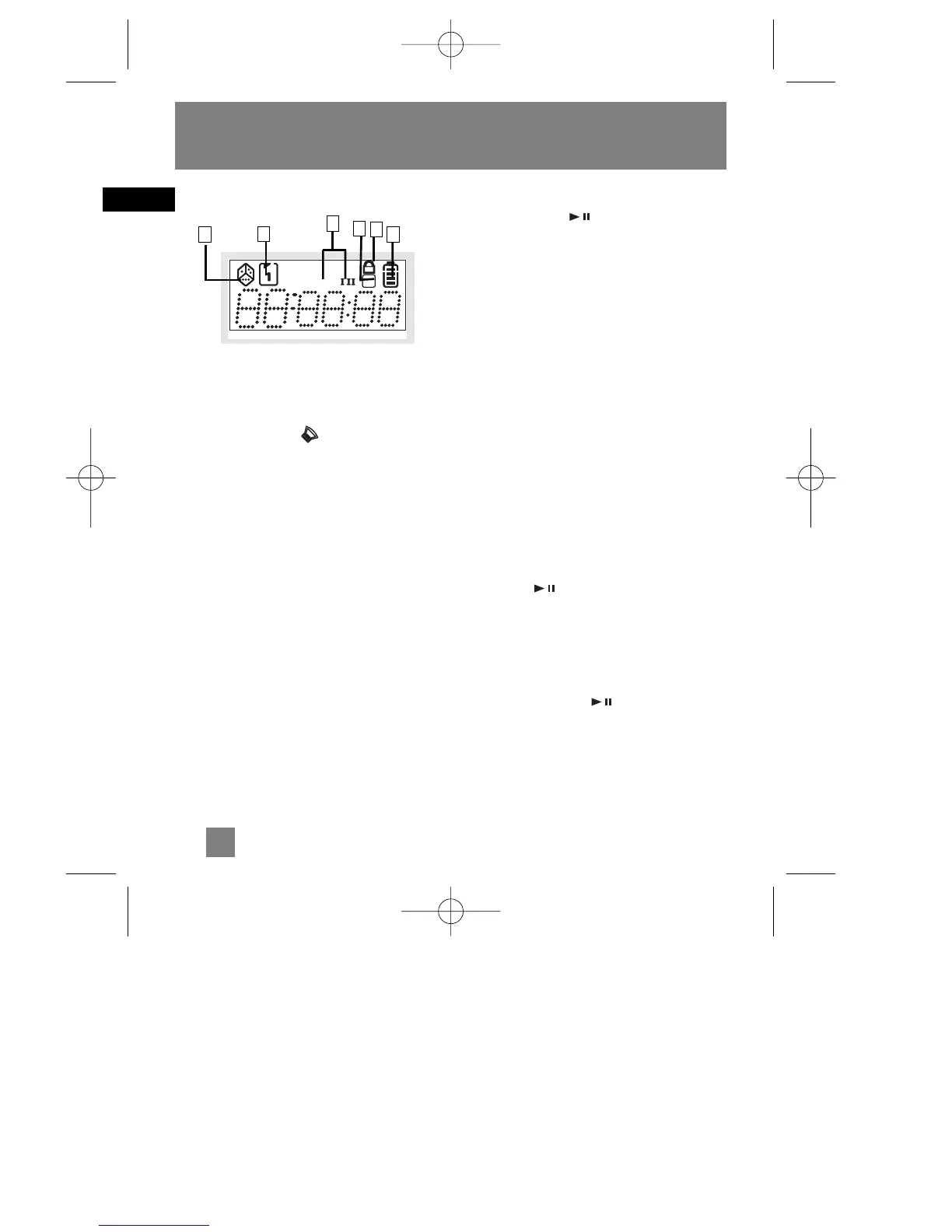
The display
1. Random Playback
2. Displayed when Bass Boost is ON.
Press bass boost to toggle between
Bass Boost 1, Bass Boost 2 and off.
3. Program mode
4. Repeat the entire disc or repeat the
current track.
5. Is displayed when the control switch is
on HOLD position.
6 Battery Indicator.
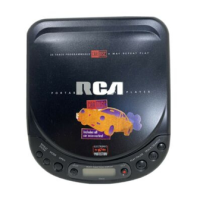
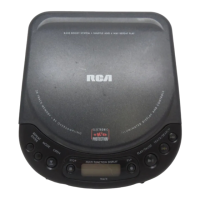
Listening to a Compact Disc
Slide the open switch to the right to
open the door. Insert a disc and press
lightly on the centre to lock. Close the
door.
Playback
Press play/pause button on the
main unit to start playback.
Rd DISC will appear on the display. Then,
the total number of tracks and time of
the CD will be displayed. If the disc
compartment is empty or the disc cannot
be read, No Disc will appear on the dis-
play.
The ELECTRONIC SHOCK PROTECTION*
system prevents sound interruptions
when impacts or vibrations occur.
Electronic anti-shock consumes less power
and increases the battery life. Therefore,
the ESP function is always ON.
After many successive impacts, the buffer
might be emptied causing a brief sound
interruption for the memory to reload.
ESP 45 seconds buffer - Press
play/pause on the main unit to
power on the unit. The display will show
45 sec.
ESP 10 seconds buffer - For better lis-
tening quality, press prog•display while
pressing play/pause to turn the
unit on. The display will show 10 sec.
CD Player


 To Next Page