EN
3
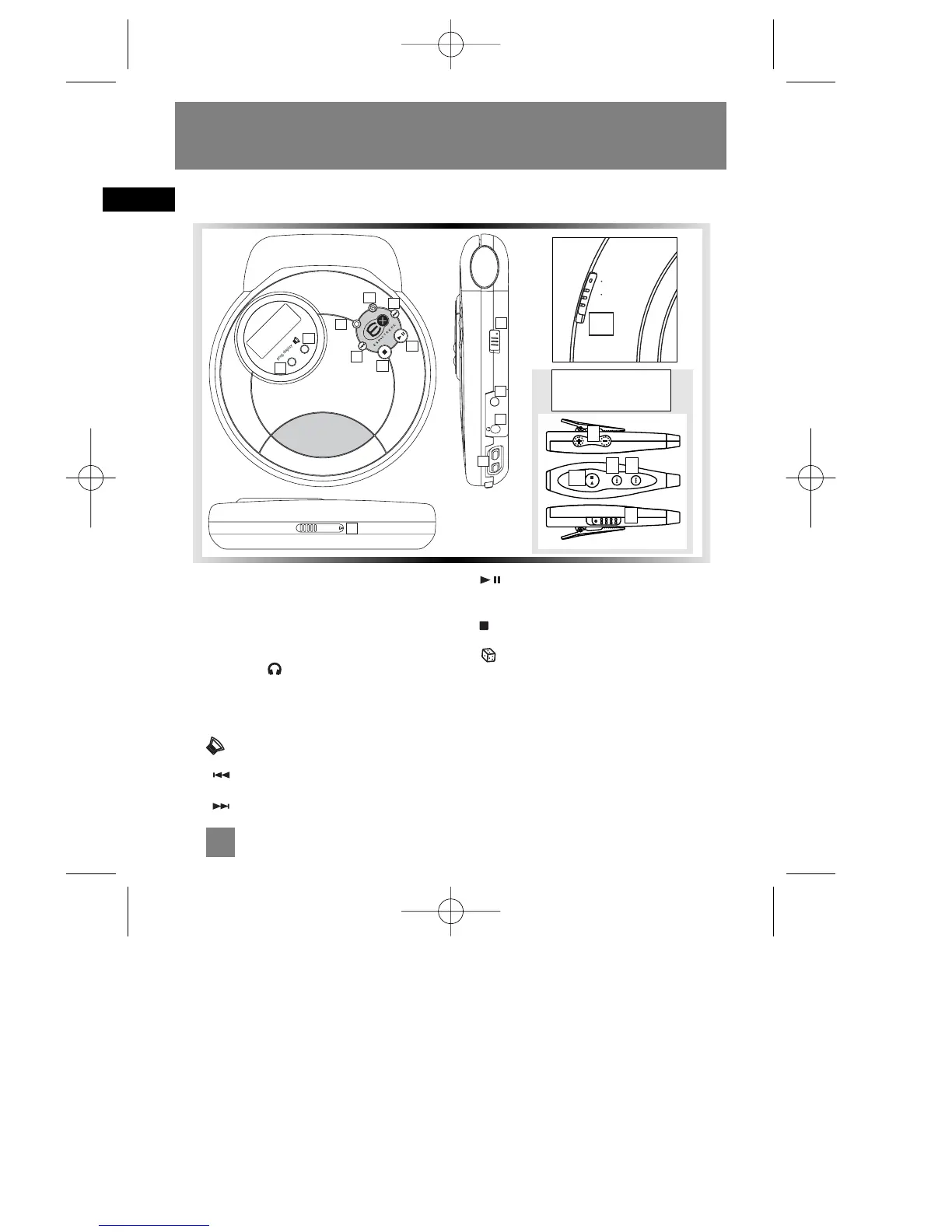
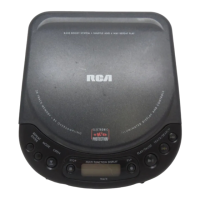
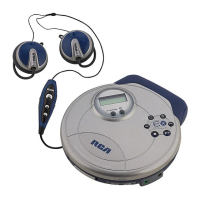
1. Control switch - To lock or unlock the
buttons.
2. DC jack - You can insert the adapter instead
of batteries for indoor use.
3. Line Out / Headphones Jack - Insert
your headphones here.
4. Volume buttons - To adjust the volume.
5. Bass boost - Selects Bass Boost options.
6. - Skip / search backward track
7. - Skip / search forward track
8. Play/pause button - Press to play or
pause CD.
9. Stop button- Press to stop CD playback.
10. - For random playback.
11. prog•display button - Enters program
mode, or changes playback display.
12. Mode button - For repeat or introscan
function.
13. Open switch - Slide to open CD door.
CD Player
General Control


 To Next Page