Setting Recording
Quality
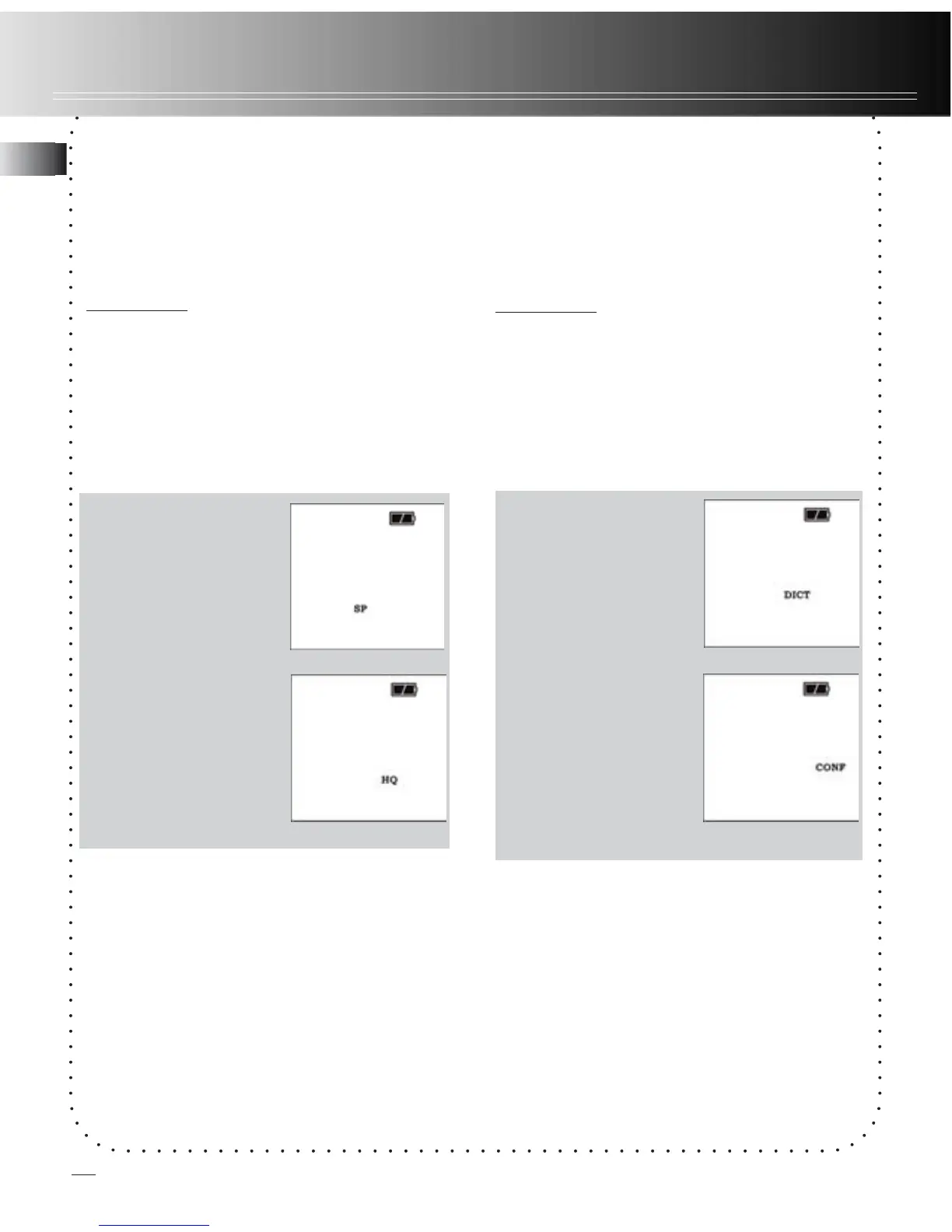
You can select between two recording
qualities. Default is SP.
Definition
• SP (Standard Play) - allows about 760
min recording.
• HQ (High Quality) - allows about 530
min recording
.
1. Press MENU
button four times,
(SP or HQ show on
display.)
2. Toggle between
SP and HQ by
pressing REVERSE
or FORWARD.
3. Confirm selection
by pressing MENU
or STOP button.
Recording quality / condition
Setting Recording
Condition
You can select between two recording
conditions. Default is DICT.
Definition
• CONF (Conference) - in a more open
area and recording source is far from
the unit.
• DICT (Dictation) - in a more enclosed
area and recording source is close to
the unit.
1. Press MENU three
times until DICT or
CONF show on
display.
2. Select recording
condition by
pressing REVERSE
or FORWARD.
3. Confirm selection
by pressing MENU
button. (You may
press STOP to exit
from further
selection.)
Tips:
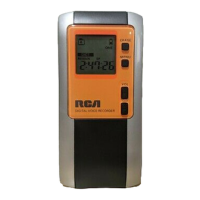
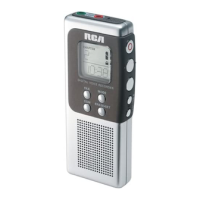
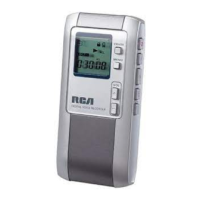
• For conferences, to obtain optimum
recording quality, place the recorder with
the microphone freely exposed to the
sound source as close as convenient. A
built-in automatic recording level control
will set record level for optimum
recordings during manual recording. Avoid
recording near unwanted noise sources,
such as air conditioners or fans.
11
EN


 To Next Page