Power Supply
USING THE AC ADAPTER
UsinganACadapterotherthantheonesuppliedwiththeunitmaydamagetheunit.
Caution:
• Beforeuse,ensuretheratedvoltageoftheadaptermatchesyourlocalvoltage.
• TheincludedACadapterisforusewiththisunitonly.Donotuseitwithotherequipment.
• Ifyouarenotgoingtousetheunitforalongtime,disconnecttheACadapterfromthewalloutlet.
• WhenevertheACadapterispluggedintoawalloutlet,theACadapterwilldrawsomepower,even
whentheSoundBaristurnedoff.
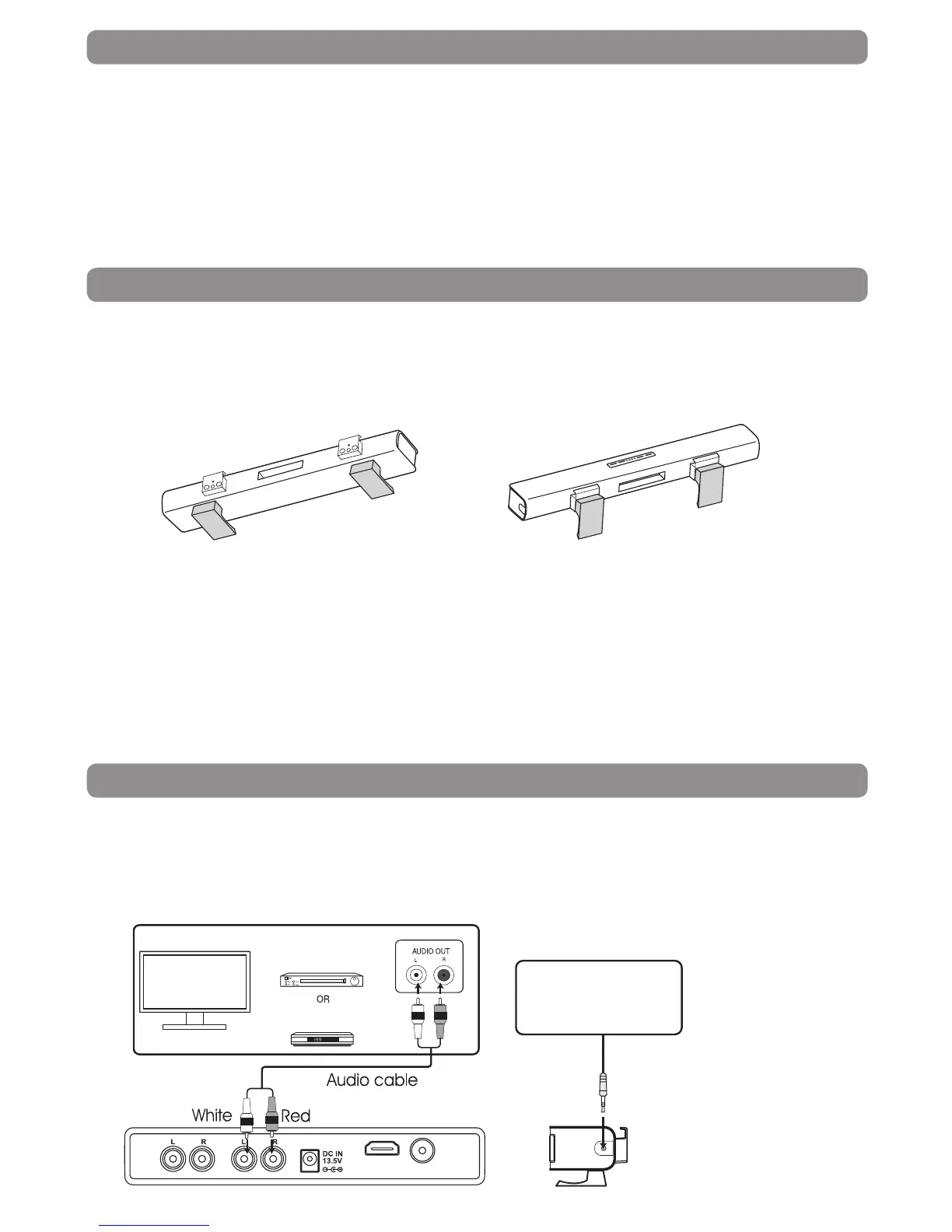
Configuring the Stands for Wall-mount Applications
ForFreestanding ForWall-mount
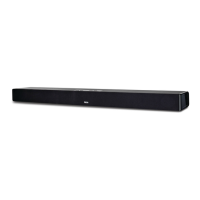
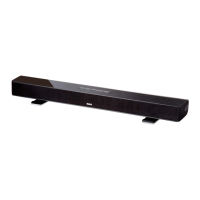
TheSoundBarcanbeplacedfreestandingonatableormountedonawall.Ifyouchoosetomountthe
SoundBaronawall,pleasefollowinstructionsbelowforremovingthestands.
Usingascrewdriver,removethestandsfromtheiroriginalconguration(freestanding)asshownandre-
attachtotheSoundBarinthecongurationasshown(forwall-mount).
Caution:
• We recommend that Wall-mounting be carried out by a professional. The stands’ “key-holes” are
intendedforusewith#8(Imperial)orM4(Metric)panheadscrews.Additionaloralternativepartsmay
beneededforcertaintypesofwallconstructions.
• Makesurethatthewall-mountisxedsecurelyenoughsothatitmeetssafetystandards.
• Allowatleast2”(5cm)separationinalldirectionsbetweentheSoundBarandotherAVequipment
(suchasyourTVorSet-TopBox).
• Itisrecommendedthatallcables(ACadapterandAudiocables)beconnectedtotheSoundBarbefore
placingitonthewall.
Sound Bar Connections
AUX 1 OR AUX 2
UseanAudiocable(included)toconnectAUX1or
AUX2ontheSoundBar(rearpanel)totheAUDIO
OUTofyourTV,Set-TopBoxorBlu-ray/DVDPlayer.
Besuretomatchconnectorcolors.
LINE IN
Plugoneendofa3.5mmcable(notincluded)into
theLINEINjack(sidepanel)ontheSoundBarinto
youriPad®,iPhone®,iPod®orotheraudiodevices.
Blu-ray/
DVD Player
Set-Top Box
iPod
®
or other
Audio Devices
TV
AUX 2 AUX 1
VIDEO OUT
HDMI OUT


 To Next Page