Connections & Setup
10 Chapter 1
Graphics contained within this publication are for representation only.
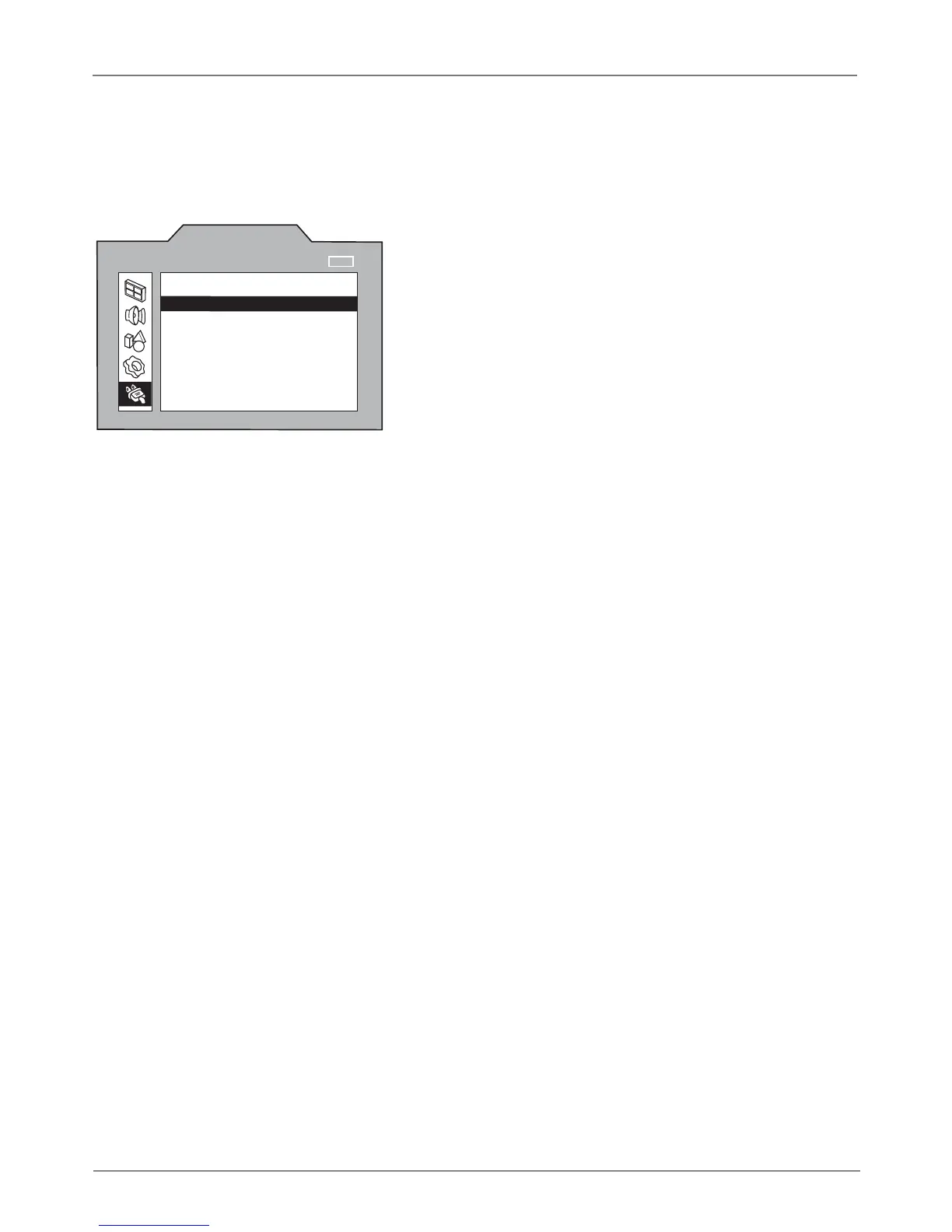
Completing the On Screen Setup
There are several options you might need to set up in order for your TV to work properly. The
fi rst time you turn on your TV, the SETUP screen appears with Language highlighted. Follow
the instructions below to complete the setup for your TV.
SETUP
Language
Ch. Setup
Par. Control
Closed Caption
Time
NAVIGATE ▼ ▲
▼
▼
SELECT
MAIN MENU
MENU
English...
...
...
...
_ _
: _ _
am
Choose the Menu Language
Select your preferred language for the menu system.
1. The default language is English. To select Spanish, press the right
arrow button.
2. Press the down arrow button on the remote to highlight Ch. Setup.







 To Next Page