ACTIVATION AND TUNING
First of all, tune the radio-frequency.
Control that the RDS function is activate.
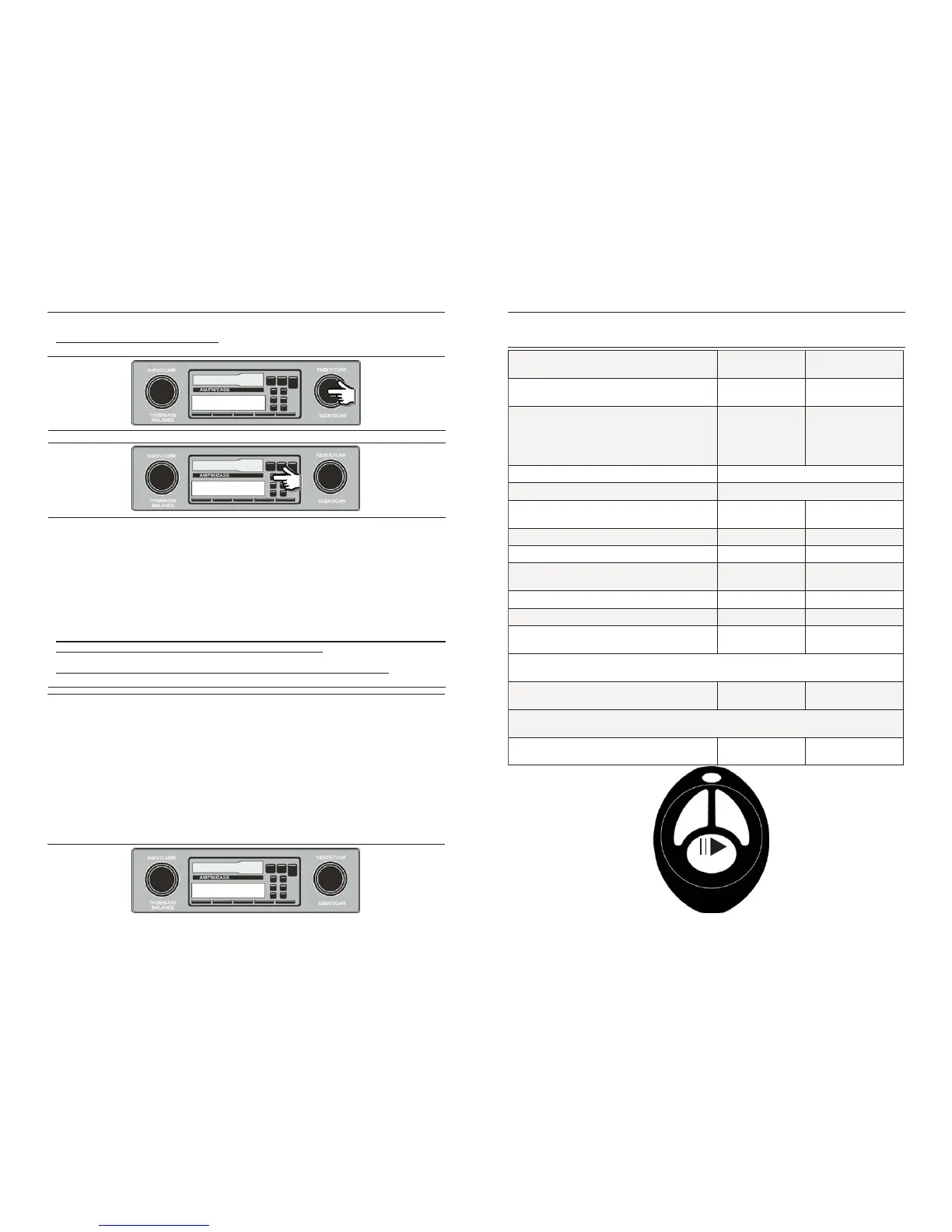
Now set the frequency on FM 87.70 mhz.
87.7 mHz
Now, switch on the ignition and the radio, MAESTRO will switch on automatically.
MAESTRO will pronounce the welcome message:
“MAESTRO WISHES YOU GOOD LISTENING”.
If there are no audio devices connected (iPod, Usb or Mp3 Player in playing), the unit will
pronounce: “NO SOURCES AVAILABLE”
Once an audio device has been connected, the unit will pronounce:
“ PLAYING FROM IPOD / USB / AUX IN” and the playing will start.
The same message is pronounced at the switching on, if a device is already connected to
MAESTRO.
If the user doesn’t connect any devices to MAESTRO, the unit will switch off after 30
seconds and it will pronounce “GOODBYE FROM MAESTRO”
All functions handled by MAESTRO are also written in English on the display.
Menu headings and files titles contained into the audio sources are displayed thanks to
MAESTRO RDS handling function.
So, with the RDS function activated, all operations are also visualized on the radio display and, in
case of OEM radio, they are visualized also on the vehicle display (if the OEM radio can write
also on this one).
The displayed menu headings are the same for all the languages and they are set by default in
English. Instead, for what concerning files titles, MAESTRO controls the information deriving from
the mp3 TAG: if the TAG is present the unit displays up to a maximum of 64 characters; if it is not
available, MAESTRO will display the file name but up to a maximum of 8 characters!
Folders name are displayed on the display too; also in this case, MAESTRO displays only the
first 8 characters, so it’s advisable to name the folders with maximum of 8 characters.
1 MAESTRO
Memorize the frequency for the quick recall.
1 87.7 mHz
Page 4
Use of the remote control SRC button buttons
>> <<
Switch ON of Maestro SRC
(long pressure)
Switch OFF of Maestro SRC
(long pressure)
followed by
SRC
(short pressure)
Volume + Directly by the radio volume button
Volume - Directly by the radio volume button
MENU selection SRC
(long pressure)
Menu UP button >>
Menu DOWN button <<
MENU choice confirmation SRC
(short pressure)
MP3 next Track button >>
MP3 previous Track button <<
Playlist/next folder button >>
( long pressure)
After the first long press to scroll the other playlist quickly it’s needed to press fast
button >>. After 3 second the system restore the managing of the tracks
Playlist/back folder button <<
( long pressure)
MP3 Play - Pause SRC
(short pressure)
After the first long press to scroll the other playlist quickly it’s needed to press fast
button <<. After 3 second the system restore the managing of the tracks
FUNCTIONS CONTROL BY REMOTE CONTROL DEVICE
MAESTRO can be controlled by the supplied remote control device.
See how here below.
Page 9
<<
ROOT
>>
RDM
SRC



 To Next Page
 Loading...