PRINCIPAL MENU SUB-MENU 1 SUB-MENU 2 SUB-MENU 3
FREQUENCY 87.70
87.90
88.10
88.30
88.50
88.70
88.90
89.10
BACK
EXIT
VOICE LANGUAGE ITALIAN
ENGLISH
BACK
EXIT
WELCOME MESSAGE ON
OFF
BACK
EXIT
MENU MESSAGE ON
OFF
BACK
EXIT
EVENTS MESSAGE ON
OFF
BACK
EXIT
VERSION BACK
EXIT
UPGRADE VOICE INSERT KEY
BACK
EXIT
BACK
EXIT
SYSTEM CHARGE ONLY ON
ALWAYS
BACK
EXIT
VERSION BACK
EXIT
UPGRADE SYSTEM
VERSION
INSERT KEY
BACK
EXIT
BACK
EXIT
EXIT
SET UP
Page 8
AUDIO QUALITY
MAESTRO is able to handle the audio files with a re production quality similar to the CD one.
To have this result, the user must use excellent quality audio files.
About the IPOD, MAESTRO respects the audio levels decided by APPLE; this means that the
user will have a perfect listening result only if the tracks have been elaborated by iTunes.
It’s also necessary to activate always on the iPod the setting called SOUND LEVEL
CONTROL.
About the track of different origin, the quality is good, even if the user can find some differences
about the volume among the playing of a file and another.
In case of a low quality file, it should happen some distortions (if the recording volume is too high)
or some worsening about the ratio between the signal and the noise (if the recording volume is
too low).
About the USB, MAESTRO respects the audio levels decided by PASER; this means that the
user will have a perfect listening result only if the track have been regulated according to an
AUDIO LEVEL, by using the free software called MP3GAIN, available on the web site
www.paser.it. Please regulate the audio level at 89.0dB
About the track of different origin, the quality is good, even if the user can find some differences
about the volume among the playing of a file and another.
In case of a low quality file, it should happen some distortions (if the recording volume is too high)
or some worsening about the ratio between the signal and the noise (if the recording volume is
too low).
About the JACK AUX IN input, it’s possible to regulate the audio quality directly from the device
that the user will connect.
iPod
Music >
Photo >
Extra >
Settings >
Casual tracks >
iPod
Volume range >
Illumin. Timer >
Audio-books >
Compilation >
Sound Level Ver. YES
Page 5
Paser can’t guarantee that all available USB pens will be compatible with Maestro.
In the case that the module cannot recognize a USB pen, please format it in FAT32 and try
again.
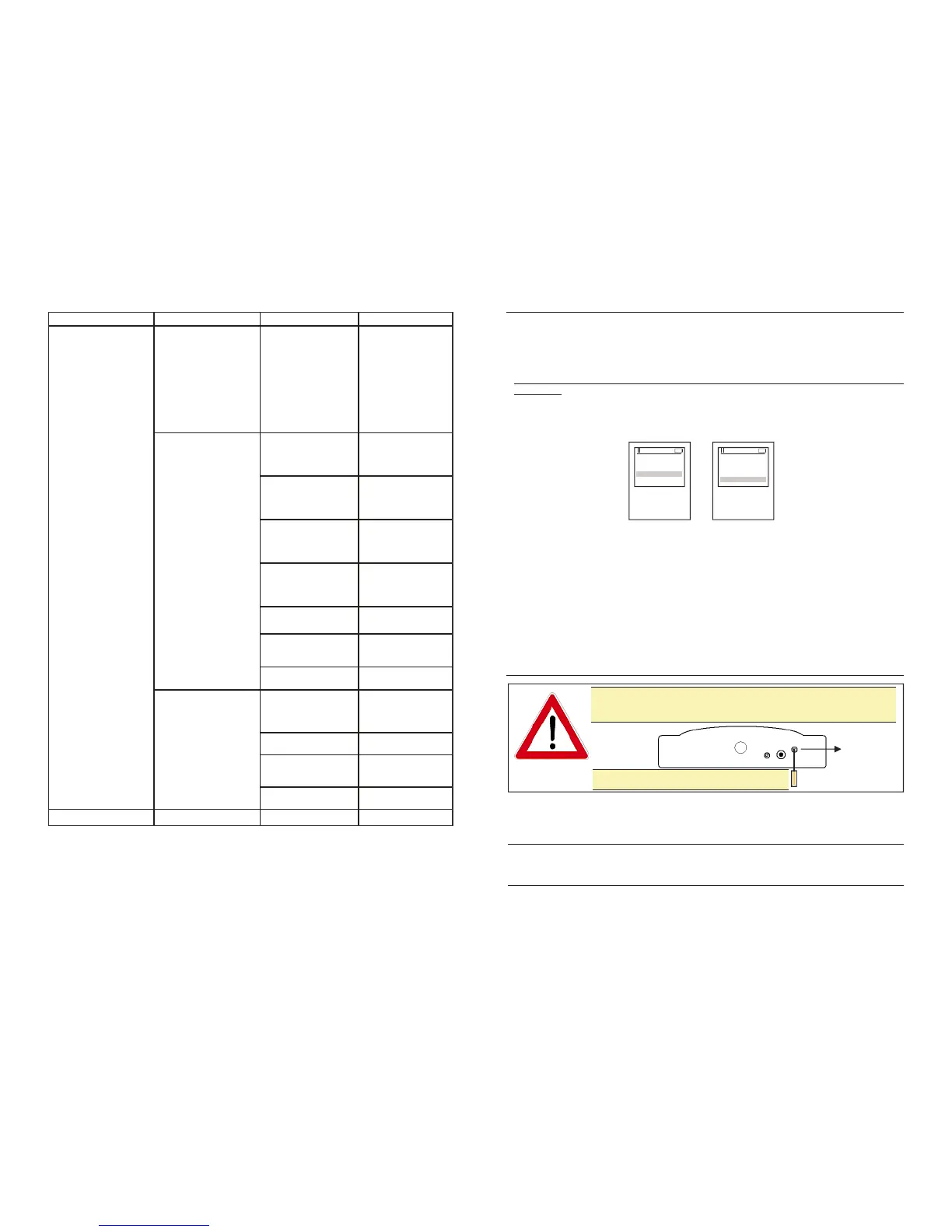
If the vocal synthetis audio volume seems too low or high, it’s
possible to adjust it by turning the trimmer located in the back side
of Maestro.
TRIMMER
By turning clockwise the volume increase.



 To Next Page
 Loading...