EasyManua.ls Logo

Realistic CTR-51 - Loading Cassettes

Realistic CTR-51
16 pages
Print Icon
To Next Page IconTo Next Page
To Previous Page IconTo Previous Page
Loading...
USING
THE
CTR-51
LOADING
CASSETTES
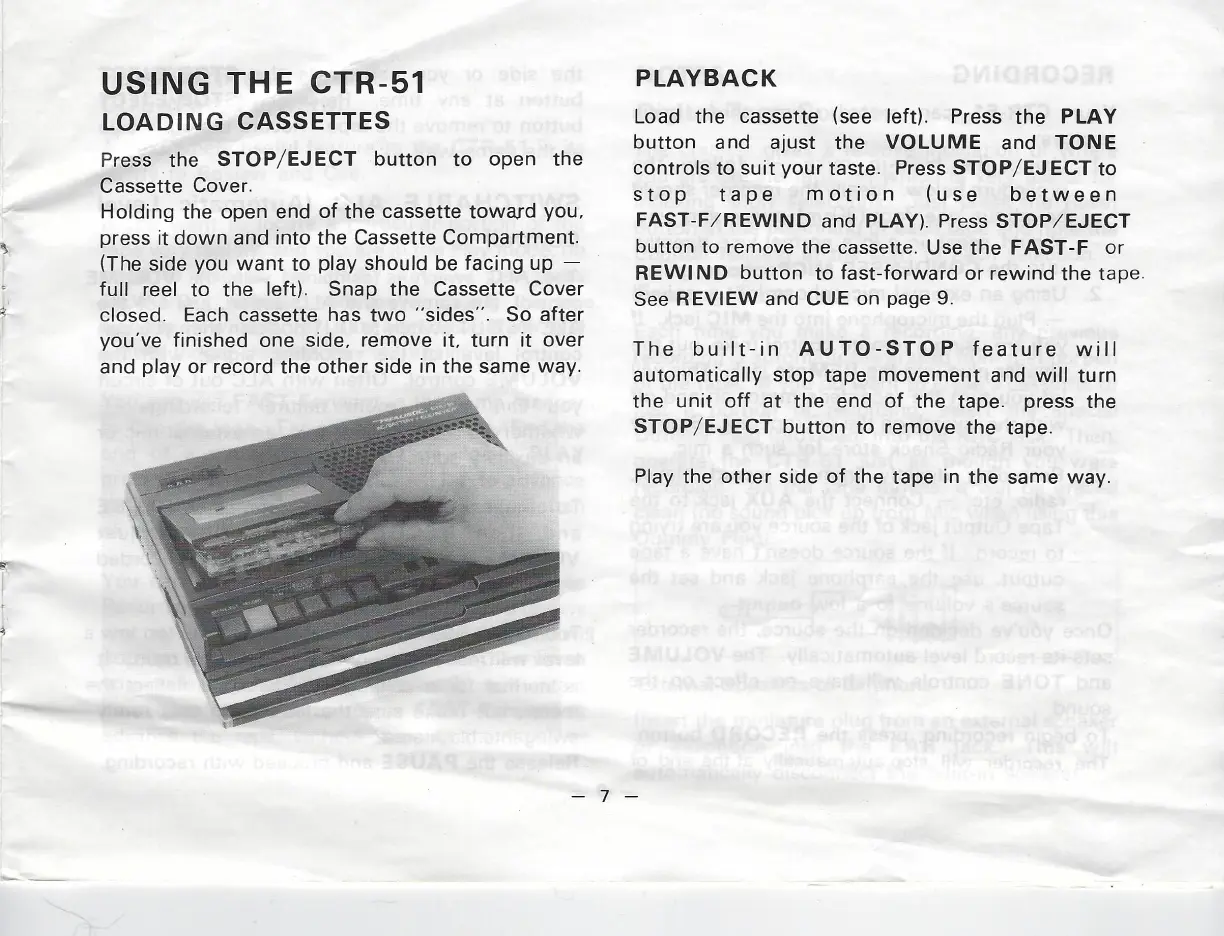
Press
the
STOP/EJECT
button
to
open
the
Cassette
Cover.
Holding
the
open
end
of
the
cassette
toward
you,
press
it
down
and
into
the
Cassette
Compartment.
(The
side
you
want
to
play
should be
facing
up
full
reel
to
the
left).
Snap
the Cassette
Cover
closed.
Each
cassette
has
two
‘‘sides’’.
So after
you've
finished
one
side,
remove
it,
turn
it
over
and
play
or
record
the
other
side
in
the
same
way.
PLAYBACK
Load
the
cassette
(see
left).
Press
the
PLAY
button
and
ajust
the
VOLUME
and
TONE
controls
to
suit
your
taste.
Press STOP/EJECT
to
stop tape
motion
(use
between
FAST-F/REWIND
and
PLAY).
Press
STOP/
EJECT
button
to
remove
the
cassette.
Use
the
FAST-F
or
REWIND button
to
fast-forward
or
rewind the
tape.
See
REVIEW
and
CUE
on
page
9.
The
built-in
AUTO-STOP
feature
will
automatically
stop
tape
movement
and
will
turn
the
unit
off
at
the
end
of
the
tape.
press
the
STOP/EJECT
button
to
remove
the
tape.
Play
the other
side
of
the
tape
in
the
same
way.