EasyManua.ls Logo

Realistic CTR-51 - Page 9

Realistic CTR-51
16 pages
Print Icon
To Next Page IconTo Next Page
To Previous Page IconTo Previous Page
Loading...
REVIEW (Rewind)
and
CUE
(Fast-Forward)
An
extremely
useful
feature
to
the
CTR-51
is
its
ability
to
Review
and
Cue.
If
you
want
to
locate
a
particular portion
of
the
tape
very
rapidly,
and
you
are
in
the
Play
mode,
no
need
to
release the
PLAY
key
just
press
REWIND.
Need
to
Rewind
more?
Just
hold
down
REWIND
a
little
longer-
release
to
Play
again.
You
can use
FAST-Forward
in
the
same
manner
to
Cue
the
tape.
For
example,
to
rapidly
find
the
end
of
a
partially
recorded
tape-
leave
PLAY
pressed
down
and
just
press
FAST-F
to
advance
the
tape
rapidly.
Release
to
listen-
repeat
as
often
as
required.
You
can use
both
of
these
features
even
while
Recording.
Thus,
if
you
want
to
go
back
to
review
and
re-record,
press
REWIND:RECORD
key
will
pop
up,
but
PLAY
will
remain down.
Then
when
you
release
REWIND,
playback
will
start
immediately.
You
can
also
use
FAST-Forward
to
advance
the
tape,
without
stopping
the
tape,
etc.
Release and
you're
playing
the
tape.
NOTES
Digital
Tape
Counter
The
counter
gives
a
relative indication
of
where
you
are
on
the
tape
which
is
very
useful
for
indexing
short selections.
Just
press
the
Reset
button
at
the
beginning
of
each
tape
and
note
the
Counter
reading
at
the
start
of
each selection.
Erasing
Tape
Each
time
you
make
a
recording,
any
previous
recording
is
automatically
erased
from
that
portion
of
the
tape.
If
you
do
want
to
erase
a
cassette,
or
just
a
portion
of
recording,
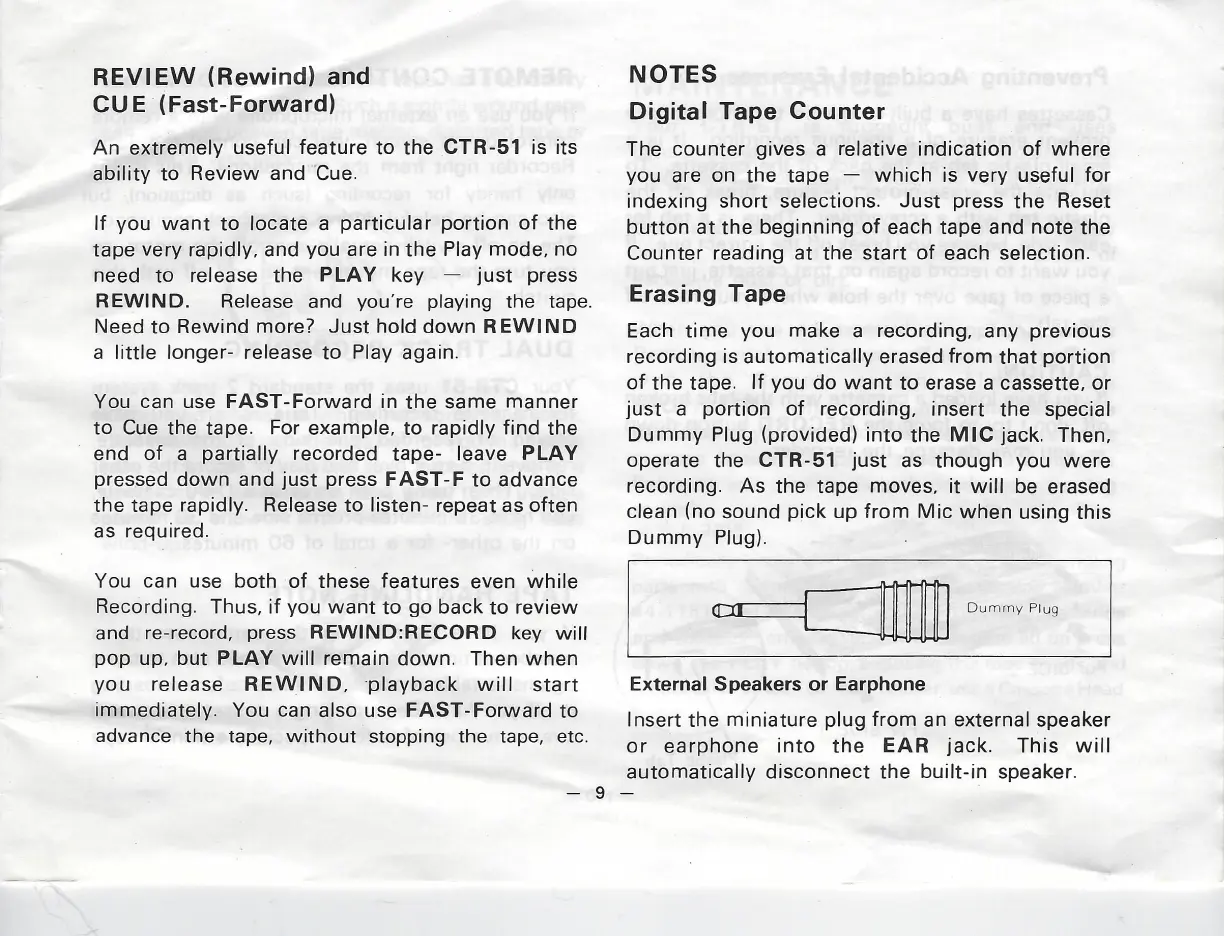
insert the
special
Dummy
Plug
(provided)
into
the
MIC
jack.
Then,
Operate
the
CTR-51
just
as though
you
were
recording.
As
the
tape
moves,
it
will
be
erased
clean
(no
sound
pick
up
from
Mic
when
using
this
Dummy
Plug).
er
ae
|
Dummy
Plug
External
Speakers
or
Earphone
Insert
the
miniature
plug
from
an
external
speaker
or
earphone
into
the
EAR
jack.
This
will
automatically
disconnect
the
built-in
speaker.
mig