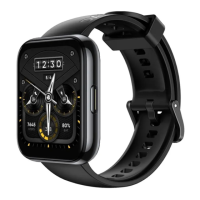
DESCRIPTION
⚫ Please charge your watch in a dry and well-ventilated environment.
⚫ Please dry the charging port before charging to avoid short circuit or other risks caused
by dirty metal contacts or water ingress.
⚫ The charging interface and charging base need to be kept dry before charging, and be
sure to wipe away water and sweat stains.
⚫ It is recommended that the ambient temperature be maintained between 0 and 45°C.
⚫ In order to protect the battery’s service life of the product, the charging current will be
reduced in cold and low temperature environments, and the charging time may be longer, but
it will not affect the battery life.
Check battery power
You can check the battery power of your watch in the following ways.
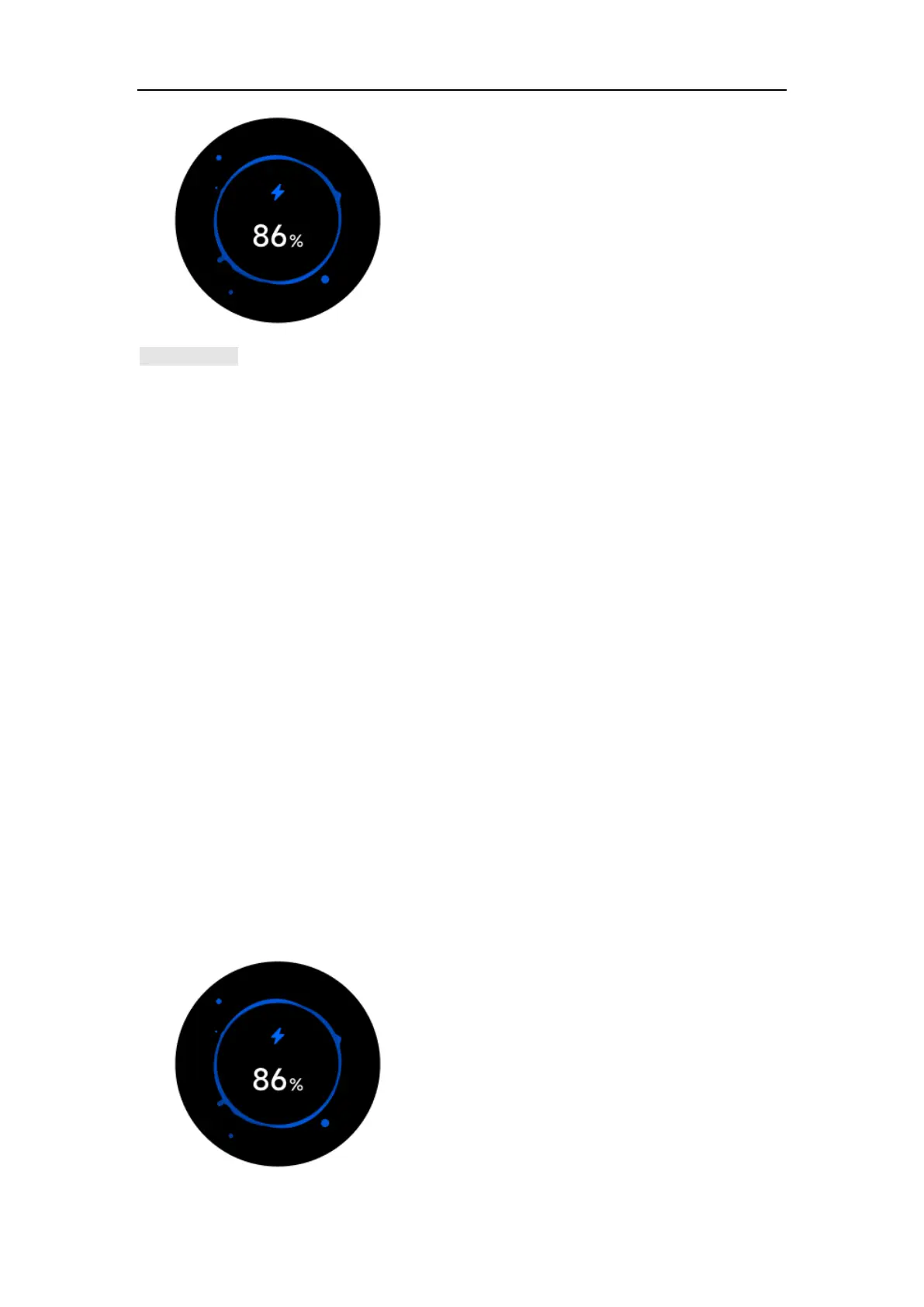
Way 1: The watch will automatically identify the charging scenario. After the watch is connected
to a power source, check the charging indicator interface that pops up automatically.
Check the battery power percentage. You can click the button or slide to the right to exit the
charging interface.


 To Next Page