Way 2: In the realme Link APP, you can check the battery power percentage at the device page
1.6 Watch buttons and screen control functions
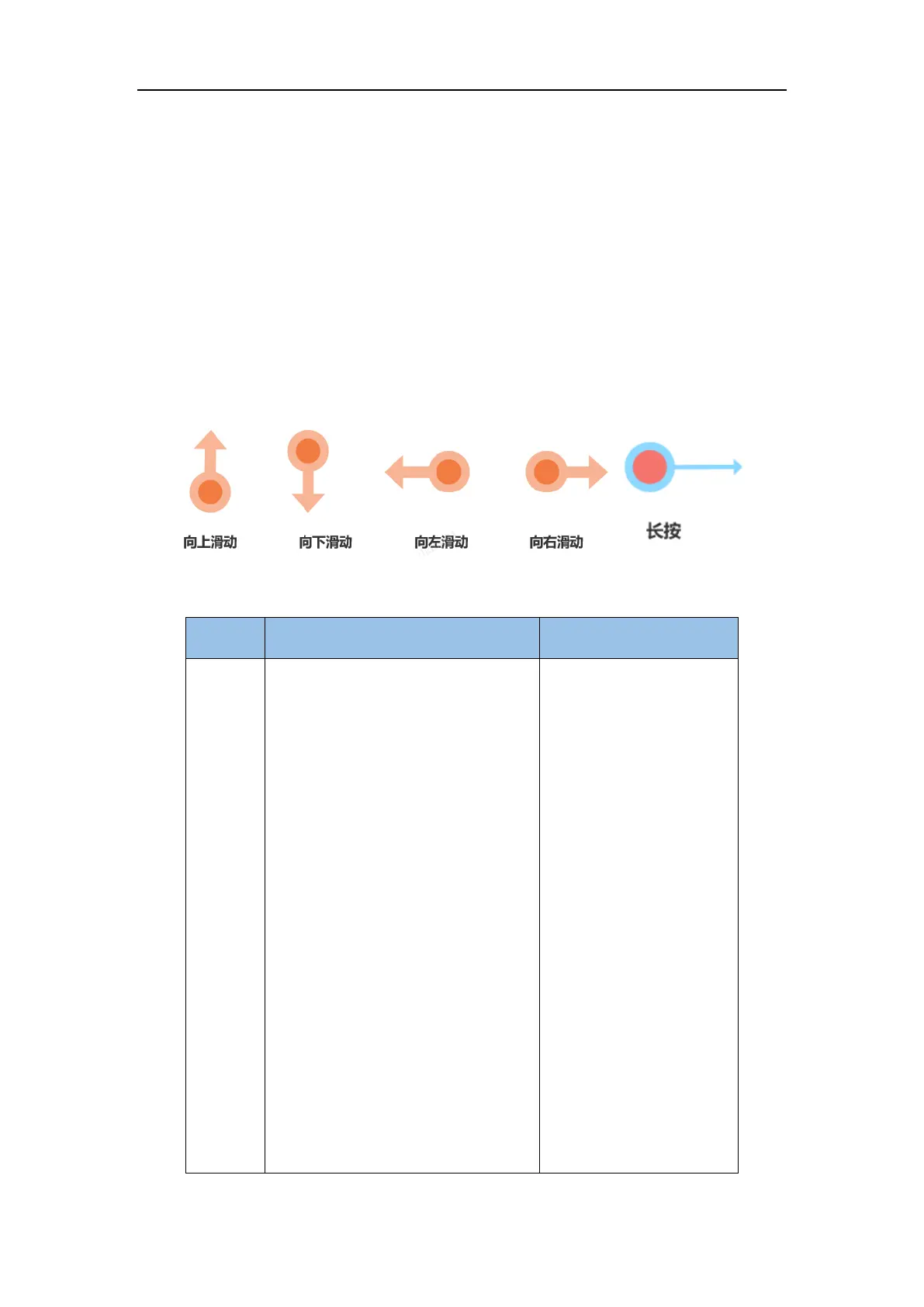
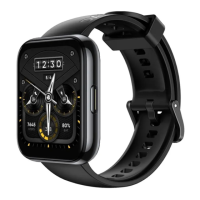
A color screen is used for the watch and it supports full-screen touch, swipe up, swipe down, left
swipe, right swipe, and long press operations.
button
1. When the watch screen is black, click
on the button to light up the screen;
2. When the watch displays the dial
interface interface, click on the up button
to go to the application list interface;
3. When the watch displays the non-dial
interface, click on the up button to return
to the main dial interface;
4. Click on the physical button to go to
the exercise list
Exceptions include specially
defined scenarios such as
phone calls and sports .
1. When the watch is turned off, press
and hold the upper button for 2 seconds
to turn it on ;
2. When the watch is turned on, press
and hold the button for 5 seconds , and
the power off/Restart option screen will
appear.



 To Next Page