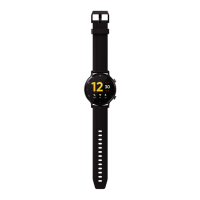
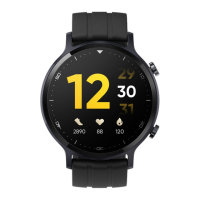
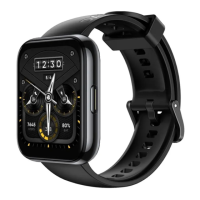
When the watch displays the dial interface, press and hold it to go to the
dial switching interface ;
View activity data , sleep records, heart rate , weather and other cards
Bright screen
⚫ Click on the button to light up the screen;
⚫ Lift your wrist or turn your wrist inward to light up the screen;
Resting screen
⚫ When the screen is on, if you lower your wrist or turn your wrist outward, the screen will
turn off;
⚫ When the screen is on and the screen-off function is turned on , if your palm completely
covers the screen, the screen will turn off;
⚫ After turning on the screen by pressing the button or raising the wrist to turn on the screen ,
the watch screen will automatically turn off if there is no operation.
Description
⚫ Click on the button to go to the application list, select "Settings -> Display and
Brightness -> Screen Off Duration" to set the screen off time. The default setting is "5
seconds".


 To Next Page