EasyManua.ls Logo

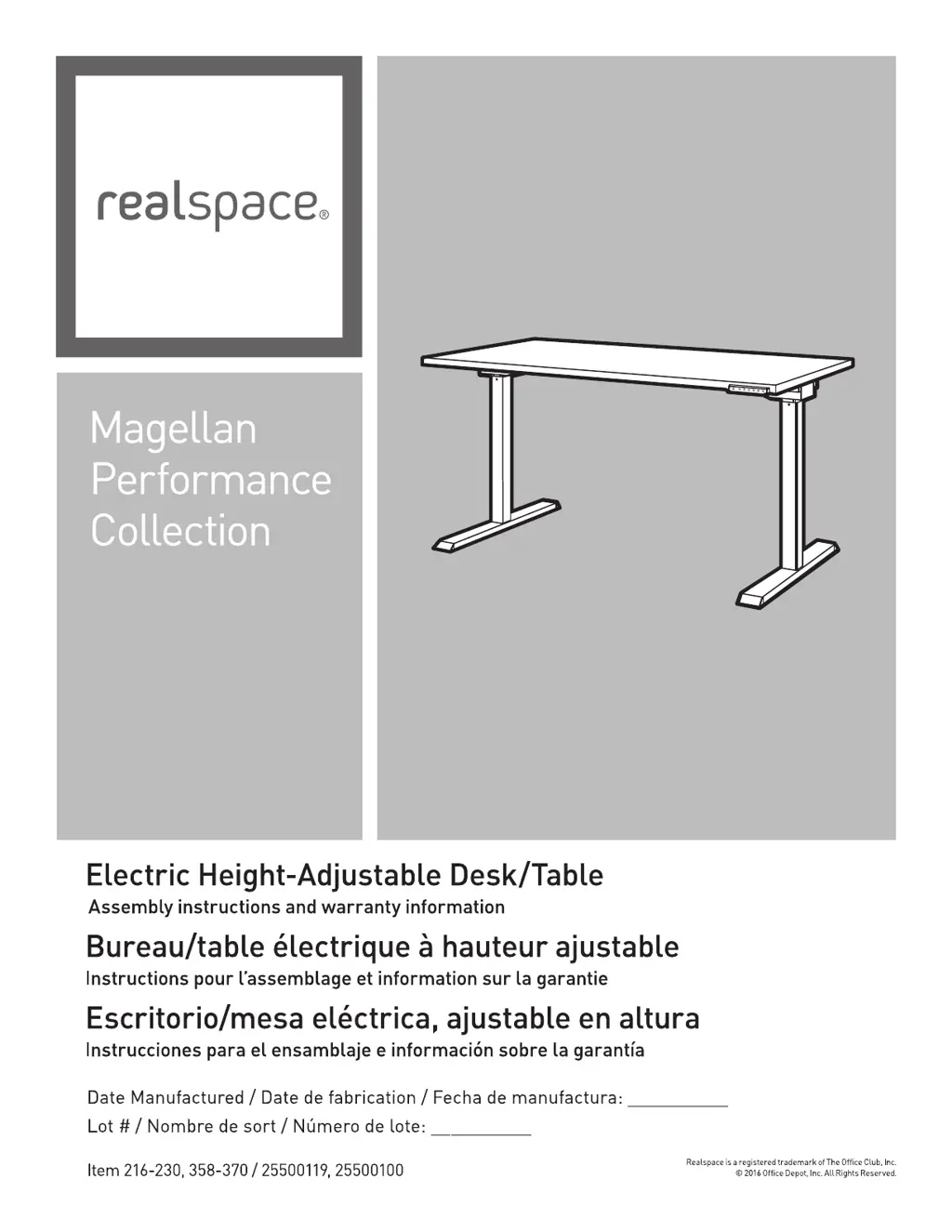
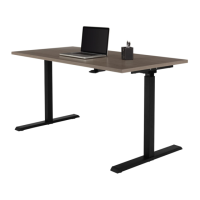
realspace Magellan Performance 216-230 - User Manual

realspace Magellan Performance 216-230
31 pages
Print Icon
To Next Page IconTo Next Page
Loading...
version 0217

Questions and Answers

  • B
    Bryan JohnsonAug 6, 2025
    Why does my realspace Magellan Performance 216-230 frame always stop at the same position?
    • K
      kelleyedwardAug 6, 2025
      Your Realspace Indoor Furnishing frame might be stopping at the same position for a few reasons. Ensure that there are no obstructions preventing the table from reaching its full height and that the desktop isn't touching any walls. It is possible that the table is overloaded, so try removing some of the load and try again, distributing the weight evenly. It's also possible that the system has been programmed to stop at this specific height, in which case you should perform a reset. If the table has reached its maximum height, it can only run downwards.
  • L
    Lisa WyattAug 11, 2025
    What to do if my realspace Magellan Performance 216-230 table stops and only runs downwards?
    • P
      Patricia AlexanderAug 11, 2025
      If your Realspace Indoor Furnishing table stops and only runs downwards, it might be at its highest position, meaning it can only run downwards. Ensure that no objects are obstructing the table's movement and that the desktop isn't touching any walls. If there is a load, remove some of it and distribute the weight evenly.
  • A
    Adrian ShieldsAug 14, 2025
    What to do if my realspace Magellan Performance 216-230 Indoor Furnishing table will only run downwards even though the frame is not overloaded?
    • Q
      qlittleAug 14, 2025
      If your Realspace Indoor Furnishing table only runs downwards even when not overloaded, make sure no objects are obstructing the table's movement while adjusting the height. Also, ensure the desktop isn't touching any walls. If neither of these issues is present, perform a resetting.
  • T
    Tiffany JohnsonAug 19, 2025
    How to troubleshoot a leg that does not move on my realspace Magellan Performance 216-230 Indoor Furnishing table?
    • S
      Stephanie BarberAug 19, 2025
      Check all connections, ensuring assembly steps 3, 5, and 6 were correctly followed. If the leg still doesn't move after resetting, it may be defective. Contact customer service to exchange any damaged parts.
  • M
    Michael WhiteheadAug 23, 2025
    What to do if my realspace Indoor Furnishing table operates irregularly?
    • D
      Danielle ThomasAug 25, 2025
      If your Realspace Indoor Furnishing table operates irregularly or is tilted, it might be overloaded or have most of its weight on one side. Try removing some of the load and distribute the weight evenly. Additionally, perform resetting.
  • B
    Brian MorrisAug 28, 2025
    What to do if my realspace Magellan Performance 216-230 Indoor Furnishing table is not running after pressing the memory button?
    • P
      Pamela MolinaAug 28, 2025
      If your Realspace Indoor Furnishing table isn't running after pressing the memory button, it may need to be reset or has not been set yet. Perform memory setting.
  • U
    umannNov 1, 2025
    What to do if my realspace Indoor Furnishing table is not running?
    • B
      briveraNov 1, 2025
      If your Realspace Indoor Furnishing table isn't running, there are several things to check: * Ensure all plugs are correctly inserted into the control box. * Verify the power cable is connected to a 120v power outlet. * Confirm the on/off switch on the control box is in the 'On' position. * Check if the light on the operation panel is 'GREEN'; if it's 'RED', press and hold the power button for about 5 seconds. If the light is 'ORANGE', check all connections and ensure assembly steps 3, 5, and 6 were followed. Turn off the switch on the control box for 60 minutes or longer, then perform 'Start'. * See if the control box is overloaded by unplugging the table, all connections on the control box outlets, and USB ports. Then, connect the power plug to a 120v power outlet and perform ...

Summary

General Safety Warnings

Furniture Usage Hazards and Prevention

Key warnings on furniture use, potential hazards like tipping, and preventative measures.

Customer Support and Service Contact

Contact details and hours for assembly assistance, product information, and missing parts.

Pre-Assembly Workspace and Parts Check

Guidelines for preparing the workspace and verifying all parts before starting assembly.

Product Components and Hardware

Main Desk Component Identification

List and illustration of the primary desk parts, numbered 1 through 9.

Hardware and Assembly Tools List

Detailed list of screws, bolts, washers, and tools required for assembly, labeled A through H.

Assembly Preparation and Hardware Guide

Hardware Size Comparison for Assembly

Visual guide comparing the sizes of Allen bolts, wood screws, and machine screws.

Pre-Assembly Best Practices

Instructions for preparing the workspace and identifying necessary tools before assembly.

Step-by-Step Assembly Instructions

Step 1: Assembling the Base Frame

Connecting the legs to the front crossbar using specified hardware B and G.

Step 2: Attaching the Control Box

Securing the control box (7) to the frame using screws (E).

Step 3: Connecting Leg Power Cables

Plugging the power cables from the legs into the control box.

Step 4: Fastening Leg Bases

Attaching the leg bases (5) to the frame using bolts (C) and washers (F).

Step 5: Mounting Top Board and Operating Panel

Attaching the top board (6) and operating panel (8) to the assembled structure.

Step 6: Cable Management and Organization

Using clips (H) to manage and secure the power cable (9) to prevent damage.

Step 7: Safely Flipping the Assembled Desk

Guidance on safely turning the desk over using at least two people and clearing the area.

Step 8: Initial System Reset Procedure

Instructions for performing the initial system reset for proper desk operation.

Desk Specifications and Safety Precautions

Fire Hazard Warning for Motor Area

Caution against using aerosols or flammable liquids near the motor to prevent fire risk.

Maximum Load and Height Adjustment Range

Details on the desk's weight capacity and its adjustable height range from sitting to standing.

Control Panel and Button Functions

Desk Control Button Operations

Explanation of how to use each button for desk height adjustment, memory settings, and power.

Control Unit Features Overview

Information on the on/off switch, USB ports, and power outlets integrated into the control unit.

Comprehensive Safety Regulations

Mandatory Safety Rules for Operation

Essential safety regulations covering electrical hazards, proper use, maintenance, and movement precautions.

Troubleshooting and Problem Resolution

Addressing Non-Operational Table Issues

Steps to diagnose and resolve problems when the desk is not running or responding.

Resolving Irregular Movement and Operation Errors

Solutions for uneven desk operation, frame stopping, and synchronized leg movement problems.

Product Warranty Information and Service

Five-Year Limited Warranty Terms and Conditions

Details of the limited warranty coverage, exclusions, and the process for making a claim.

realspace Magellan Performance 216-230 Specifications

General IconGeneral
Brandrealspace
ModelMagellan Performance 216-230
CategoryIndoor Furnishing
LanguageEnglish

Related product manuals