4. Enter information about yourself.
NOTE: If the information you report, like
your gender, age, and height, is wrong,
the measurements done by the smart
scale won’t be accurate.
5. Turn on Bluetooth on your smartphone
or tablet and connect it to the scale.
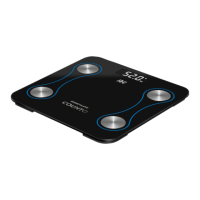
6. Tap your foot on the scale to activate the
display. Wait until the display says “0.0”
7. Step on the scale with your BARE feet
toturn the scale on.
NOTE: If you’re wearing socks, you’ll only
get measurements for your body weight
and BMI. To get all the measurements,
you should be barefoot.
8. The number on the display is flashing
asthe scale is weighing and analyzing.
9. Tap “More Data” on your device to see
thefull report, including BMI, BMR,
muscle mass, body fat, and other
parameters. In future, you can use the
“Record” function to see the results of
previous measurements.
10. You can add and switch users through
the “Manage users” function. Each
account supports 24 users. The smart
scale can tell which user is stepping on
it, and it will remind you to switch to the
right user in the app.
How to Use COUNTO
1. Insert 2
×
AAA batteries (not included
inthe box) into the battery holder on
theback of the scale.
2. Place the scale on the hard-surface floor.
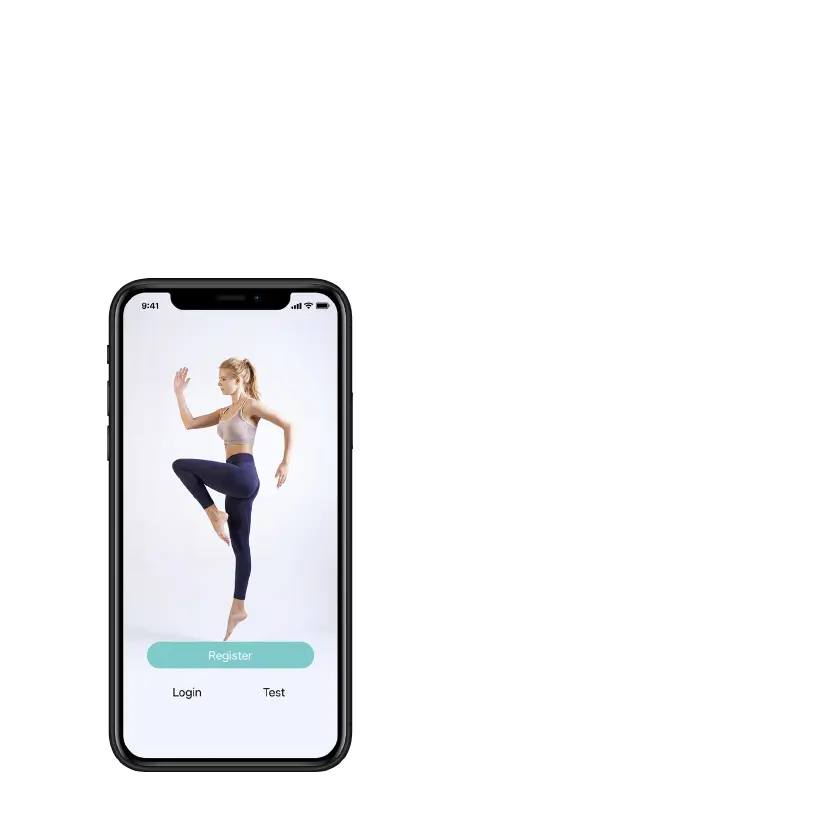
3. Open the Fitdays app on your device and
follow the registration instructions.


 To Next Page
 Loading...