Addition / Subtraction 12 digits ± 12 digits ≤ 12 digits
Multiplication / Division 12 digits × / ÷ 12 digits ≤ 12 digits
2 lines per second (normal)
70 x 190 x 255 mm
740 g
AC 100V-240V 50Hz/60Hz 4.5W / LITHIUM BATTERY CR2032 x 1 (BACKUP)
4,5 W
0°C to 40°C
How to change the ink roller
1) Switch off the calculator and open the printer cover.
2) Hold the cover of the ink roller and pull the ink roller out.
3) Insert a new roller back to the slot. Push the roller, until it locks rmly into position.
4) Close the printer cover.
• Use only the ink roller (IR-40T).
How to change the paper roll
1) Pull out the paper roll holder.
2) Cut the paper end straight with scissors and insert the end into the printer slot.
3) Put the roll on the holder.
4) The roll dimensions should be 58 mm wide and 86 mm in diameter.
5) Insert the paper into the slot on the rear side of the calculator. Make sure that the paper is fed from underneath the holder
to the printer.
6) Switch the calculator on. Press the paper feed key until the paper end goes through the printer as far as the paper cutter.
How to replace batteries
1) Remove the plug from the socket.
2) Open the battery compartment on the rear side of the calculator.
3) Remove the unloaded batteries.
4) Insert new batteries with correctly orientated battery poles.
5) Close the battery cover.
⚠
CAUTION! RISK OF EXPLOSION IF BATTERY IS REPLACED BY AN INCORRECT TYPE.
• Do not bend or twist the calculator.
• Avoid contact of the calculator with water or other liquid.
• Do not expose it to any strong impact, shock and vibration.
• Use a soft, dry cloth to clean the calculator.
• Do not leave a dead battery in the device. It may leak electrolyte and cause damage to the calculator.
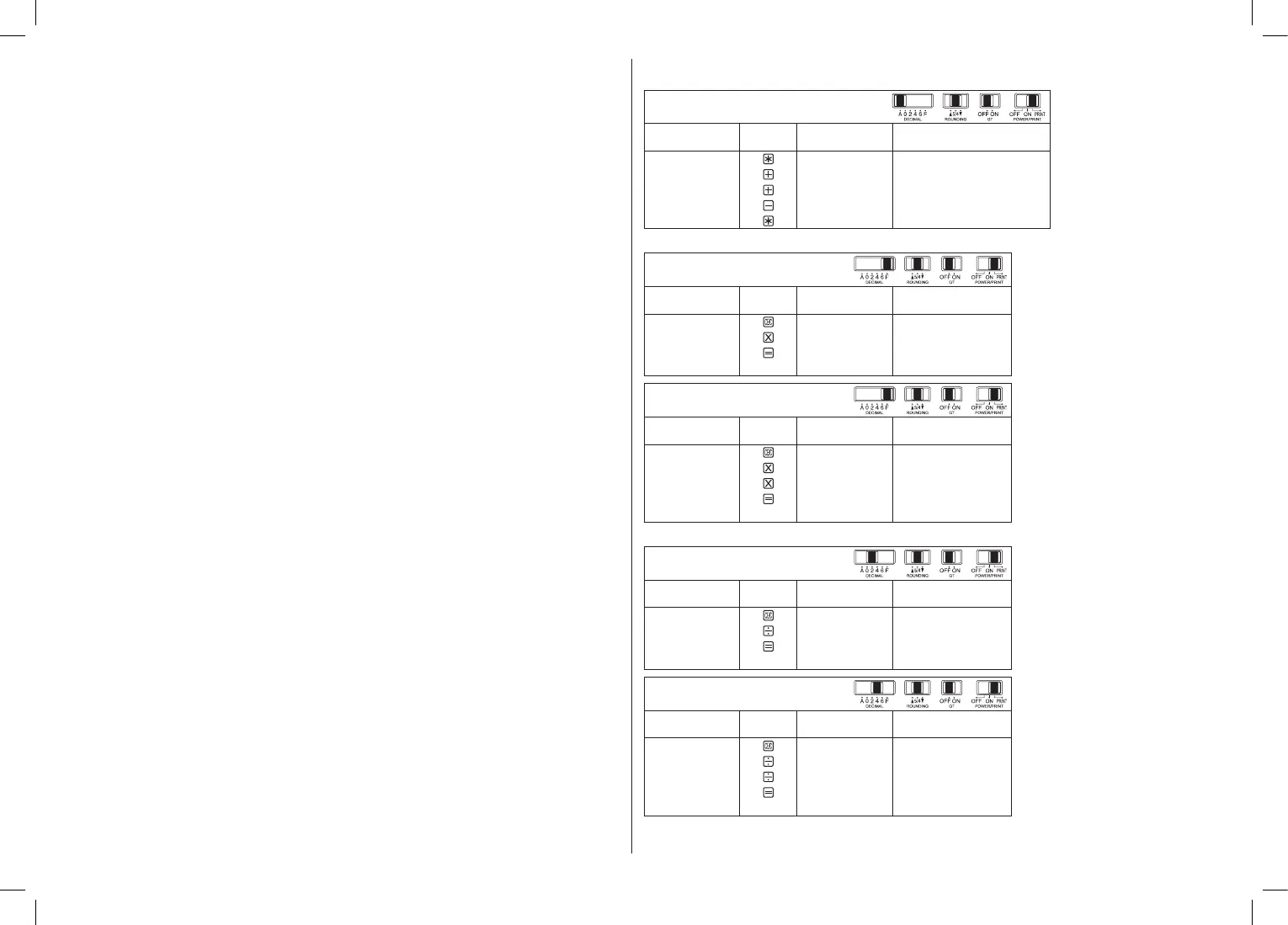
Calculation examples
1. Addition and subtraction
123 + 456 – 789 = –210
Function
Print out
0.00 0.00 *
123
1.23 1.23 +
456
5.79 4.56 +
789
–2.10 7.89 –
(RED)
–2.10 –2.10 *
(RED)
2. Multiplication
Function
Print out
0. 0. C
12
12. 12. ×
12
12. =
144. 144. *
Function
Print out
0. 0. C
123
123. 123. ×
5
615. 5. ×
0.5
0.5 =
307.5 307.5 *
3. Division
Function
Print out
0. 0. C
149
149. 149. ÷
12
12. =
12.42 12.42 *
Function
Print out
0. 0. C
1
1. 1. ÷
3
0.33333333333 3. ÷
0.3
0.3 =
1.1111 1.1111 *
2–EN


 To Next Page
 Loading...