1–EN
ENGLISH
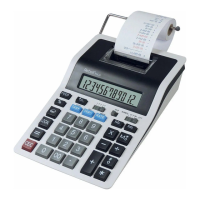
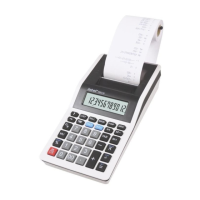
Printing Calculator – Instruction Manual
–
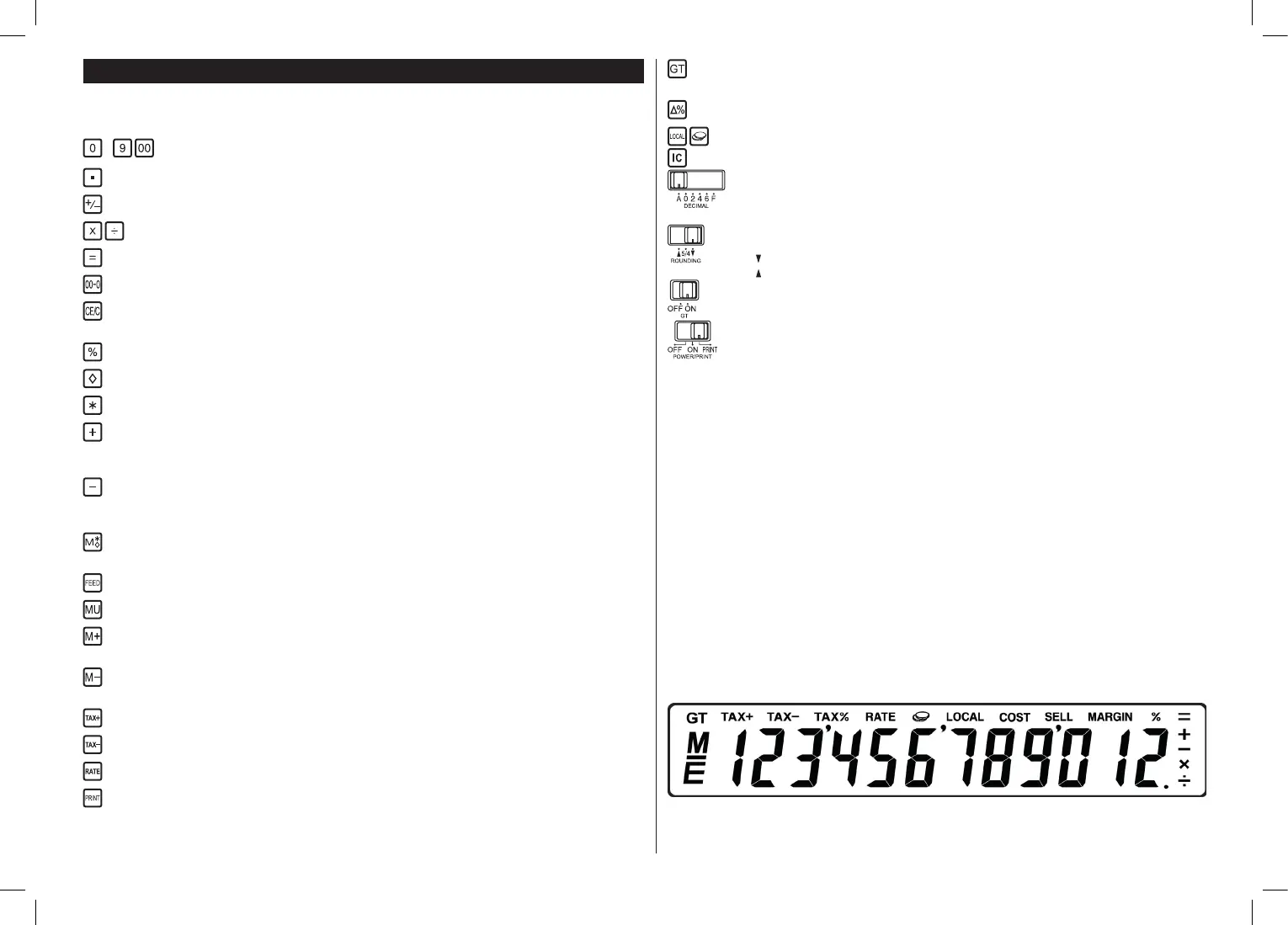
Is used to enter a number into the calculator.
Is used to enter the decimal point.
Is used to reverse the algebraic sign of the displayed number.
Enters multiplication and division operations and performs repeated multiplication and division calculations.
Performs multiplication and division calculations, constant calculations and other operations.
Clears the last digit on the display.
After entering a number it clears it from the display. In other situations it clears the display and all registered
calculations except the memory.
Performs percentage calculations.
Displays and prints the total memory content.
Displays, prints and clears the total memory content.
Adds the entered value to the accumulated sum. When you press the key repeatedly, the entered value is
added more times. When you press the key immediately after pressing the percent key it works as the percent
plus key (+%).
Adds the minus value to the accumulated sum. When you press the key repeatedly, the entered value is
added more times. When you press the key immediately after pressing the percent key it works as the percent
minus key (–%).
When you press the key rst it will display and print the content of the independent memory. When you press
the key secondly it will print and clear the content of the independent memory.
Is used to feed and advance a paper roll.
For calculation of margin, selling price and cost.
Adds the amount to the memory. When the live calculation is in progress, pressing the key will complete the
calculation and adds the result to the memory.
Subtracts the amount from the memory. When the live calculation is in progress, pressing the key will comple-
te the calculation and subtracts the result from the memory.
Calculates the price including tax with the preset tax rate.
Calculates the price excluding tax with the preset tax rate.
Enters the tax rate.
Prints the actual number on the display with representation of “#“ symbol on the left.
Displays and prints the grand total of the calculation set. When you press the key repeatedly it will clear the
content of GT memory.
Automatic comparison of two values and subsequent calculation and print of percent difference.
Item counter
Decimal point select switch
A:
F:
0, 2, 4, 6:
Addition mode.
Full-oating.
Fixed decimal point.
Rounding off switch
5/4:
:
:
Rounding off with 5/4 rule.
Round up.
Round down.
OFF:
ON:
GT memory is off.
GT memory is on, results of addition and subtraction are added automatically to GT memory.
Switch of ON, OFF, Print
OFF:
ON:
PRINT:
Power is off.
Power is on.
Printer is activated.
FEATURES AND SPECIFICATIONS
12 digit capacity display with zero suppression. Single spacing after the result is printed. Selective method of determination of
decimal point placement.
1) Fixed decimal places (0, 2, 3)
2) Full-oating decimal point system (F)
3) Addition mode (+)
Addition, subtraction, multiplication, division. Repeated addition and subtraction, chain multiplication and division, constant multipli-
cation and division, mixed calculation, memory calculation, percentage calculation, add-on / discount calculation, subtotal printing,
sign change, round-off (5/4).
a) Full 12 digit capacity
b) Zero suppression
c) Automatic clear function
d) Selection of decimal point placement (+, 0, 2, 3, F)
e) Round off control
f) Accumulation control
g) Non-print selection
“M” Memory sign, “–“ Minus sign, “E” Error / Overow
All numbers are printed in blue or red. All numbers are printed only in blue.


 To Next Page
 Loading...