13
SHARING TO FACEBOOK
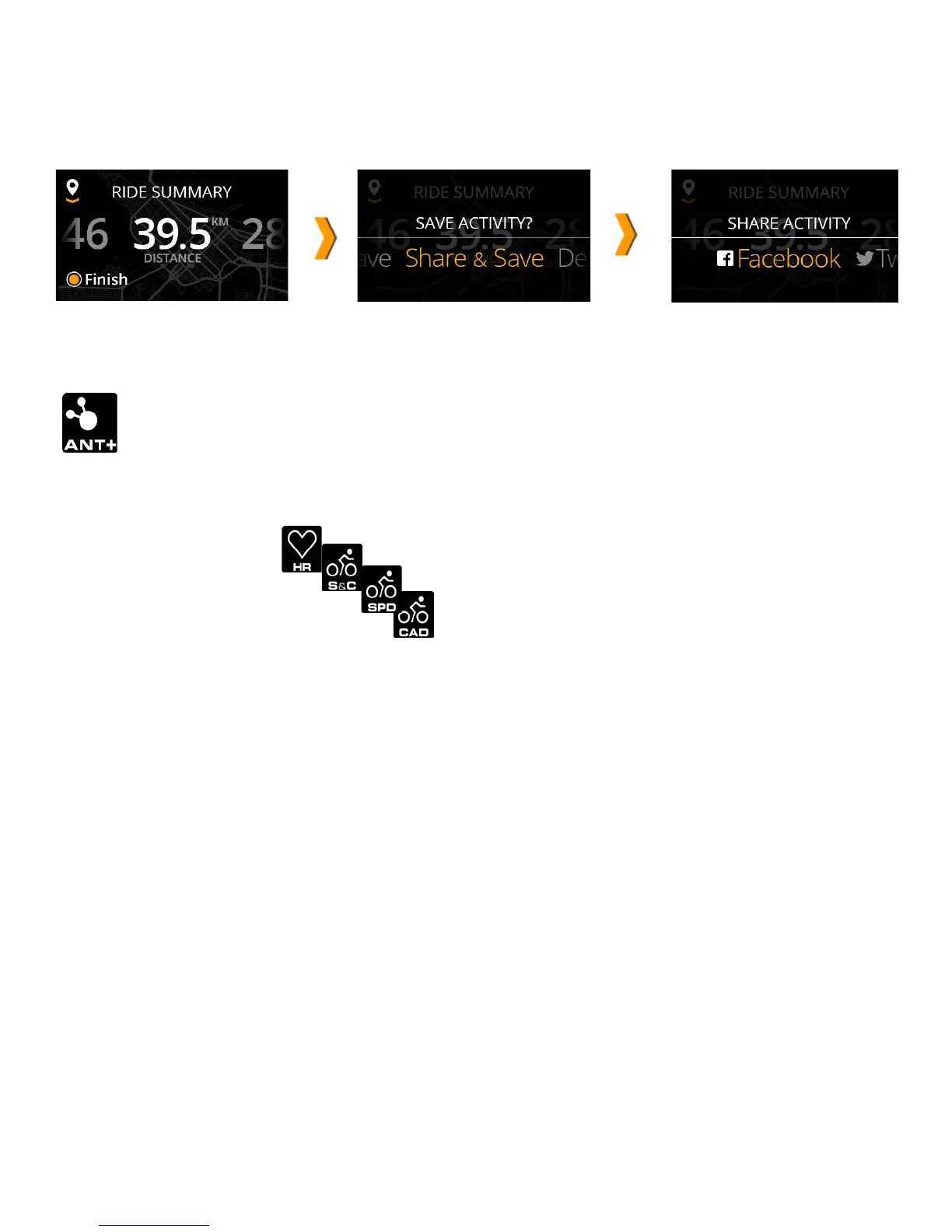
When your activity is complete you have the option to save or share your trip. Follow the onscreen instructions to
instantly share your completed activity (including images, video, and stats) to Facebook and Twitter.
ANT+
TM
Sensors
Jet supports the following ANT+
TM
profiles for 3rd party device connectivity:
1. Heart Rate Monitors
2. Bike Speed
3. Bike Cadence
4. Bike Speed & Cadence
CONNECT AN ANT+ DEVICE
1. Turn the ANT+ device on
2. On Jet:
1. Go to Settings > Sensors.
2. Select the correct ANT+ profile, and connect.
3. Start an activity.
4. Check your ANT+ stats on Jet’s Metrics Dashboard, in real time.


 To Next Page