Please note that OTA (over-the-air) updates have fail-safe mechanisms in place to
prevent catastrophic failures during the upgrade. If any issues occur, pressing the reset
switch will roll the system back to the previous firmware revision. Firmware updates can
also be performed via USB if needed. For more information, contact Red's Engineering.
Button Lockout Feature:
The SRPT-02 repeater can lock the front buttons to prevent the unit from being
accidently turned-on during shipment. To enable this feature, press and hold the power
button for approximately 5 seconds when the repeater is powered off. You will see the
Power LED lash briefly twice indicating the feature has been enabled. Press the reset
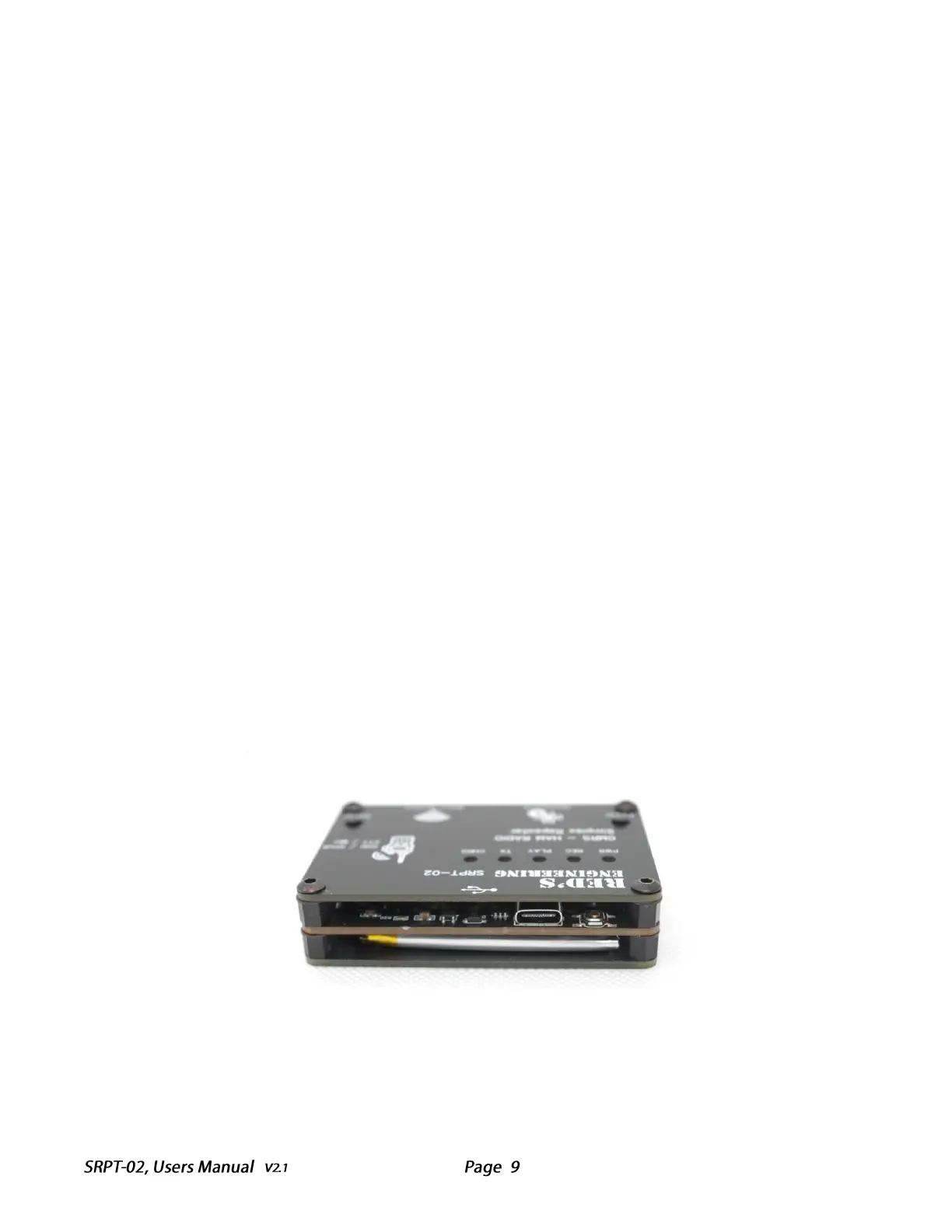
button, located under the front panel (next to the USB port) to resume normal
operation.
Restore Default Settings:
In the rare event that you need to restore the factory default configuration, follow the
following procedure. Note, the reset switch is located at the top of the unit under the
face plate. If there is a problem, you should press this switch first.
1. Turn on the power using the power switch, and the power LED should
illuminate.
2. Press and hold the Setup button for 10 seconds, then release it.
The "PWR," "REC," "PLAY," and "TX" LEDs will flash twice, and the unit will
power cycle. The repeater is now restored to its factory default settings.



 To Next Page
 Loading...