21
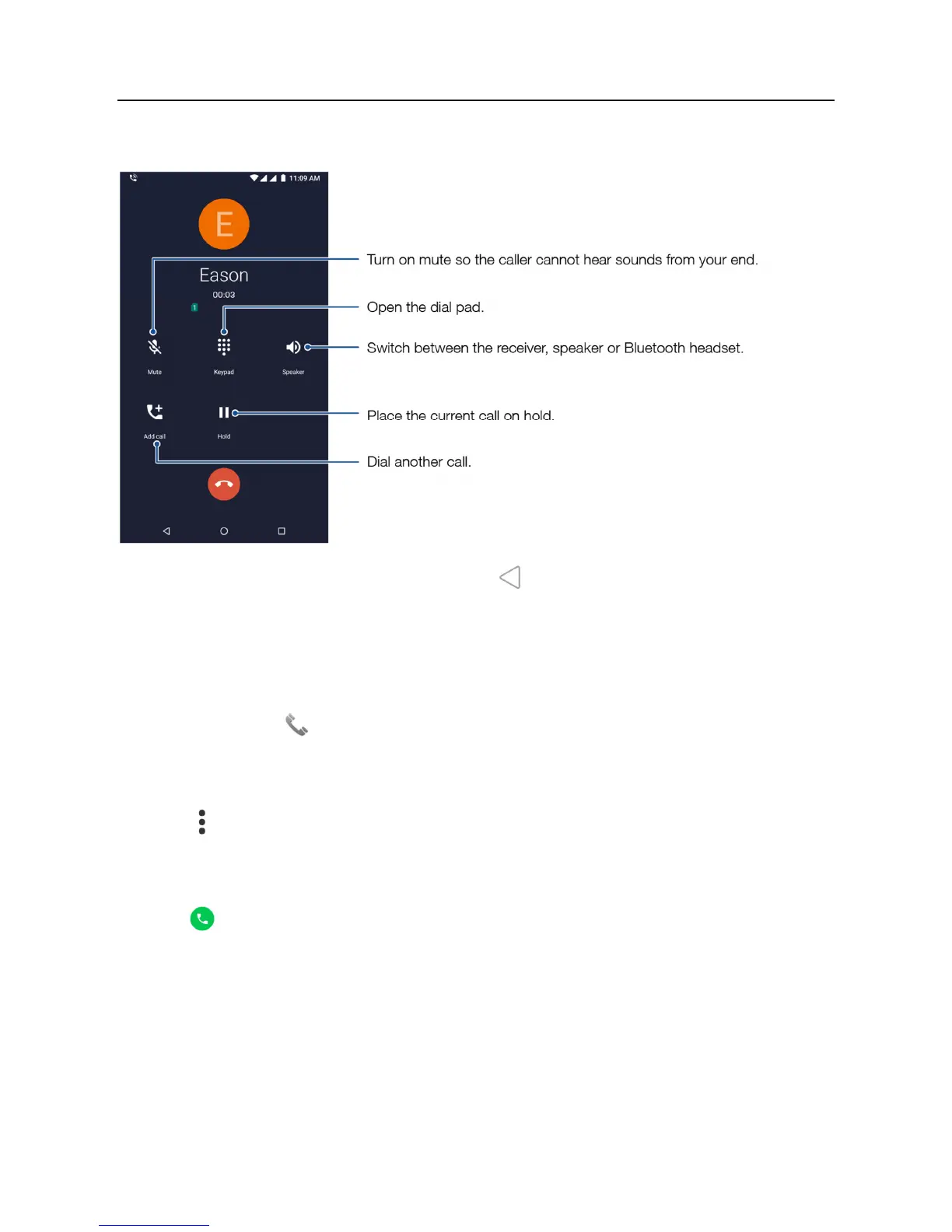
Using your phone during a call
During a phone call, you can swipe up from the bottom of the screen, and touch to leave the call interface without interrupting the call. To return to
the call interface, touch the green call bar at the top of the screen.
Dialing an extension number
1. On the home screen, touch Phone.
2. Open the dial pad and enter the main number.
3. Touch to the left of the number, then touch Add 2-sec pause to enter the pause symbol “,”.
4. Enter the extension number.
5. Touch .
When dialing a number, you can also enter the pause symbol “,” by touching and holding the * key.



 To Next Page