5
6.0 Putting MP3’s on to the Player
You will rst need to remove power from the A 1741 then remove the SD card from the front of the unit.
To remove the SD card push the card in and it will eject itself.
The SD card will then need to be connected to a PC. You will need a PC equipped with a SD card reader to do this (not
supplied).
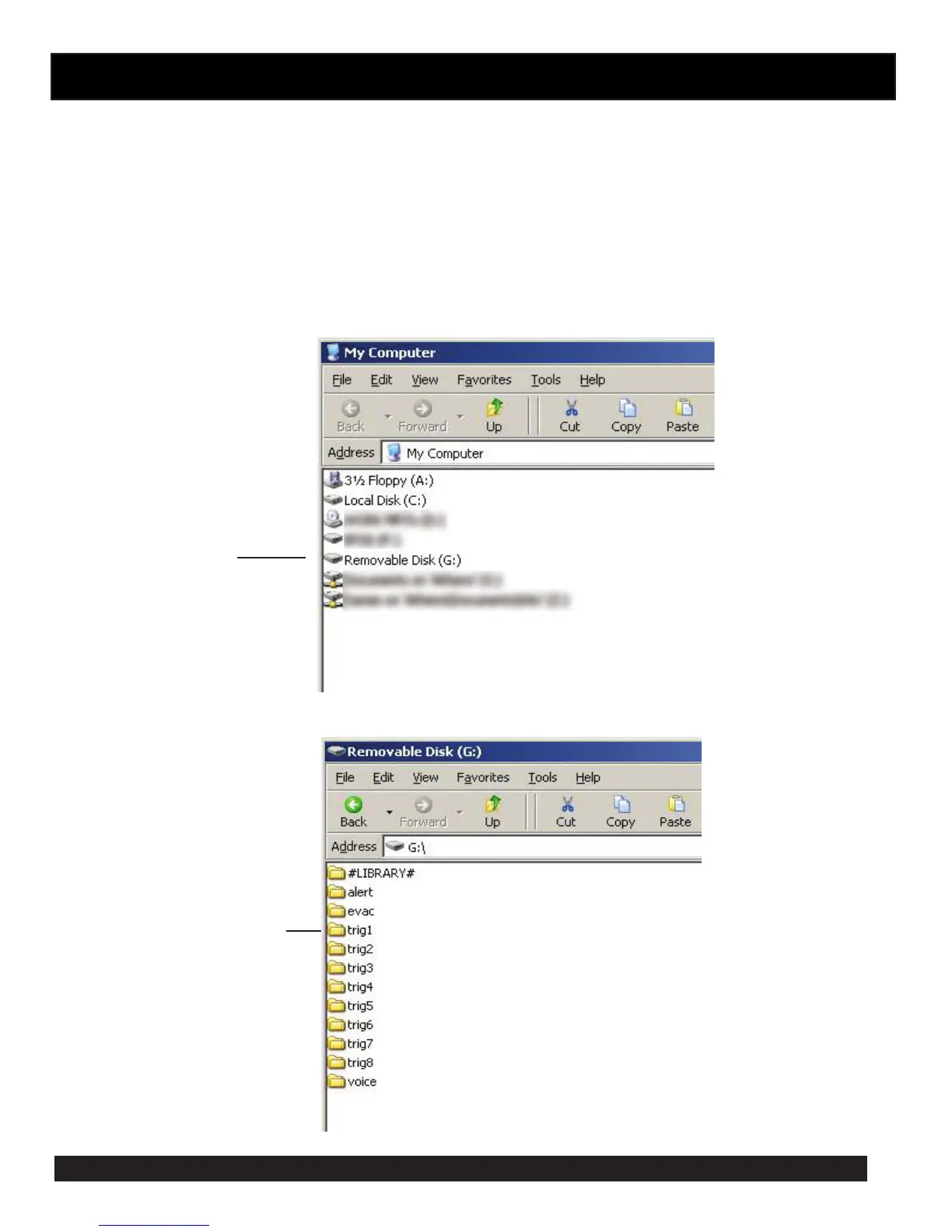
Step by step guide to put a MP3 into Trigger1 with a Windows installed PC
Step 1: Make sure the PC is on and card reader connected and correctly installed. Then insert the SD card into the reader.
Step 2: Go to “My Computer” (gure 2) and open the SD card which is usually marked “Removable disk”.
In this case it is named “Removable disk (G:)”



 To Next Page