6
Delete this le
and replace it
with a new MP3
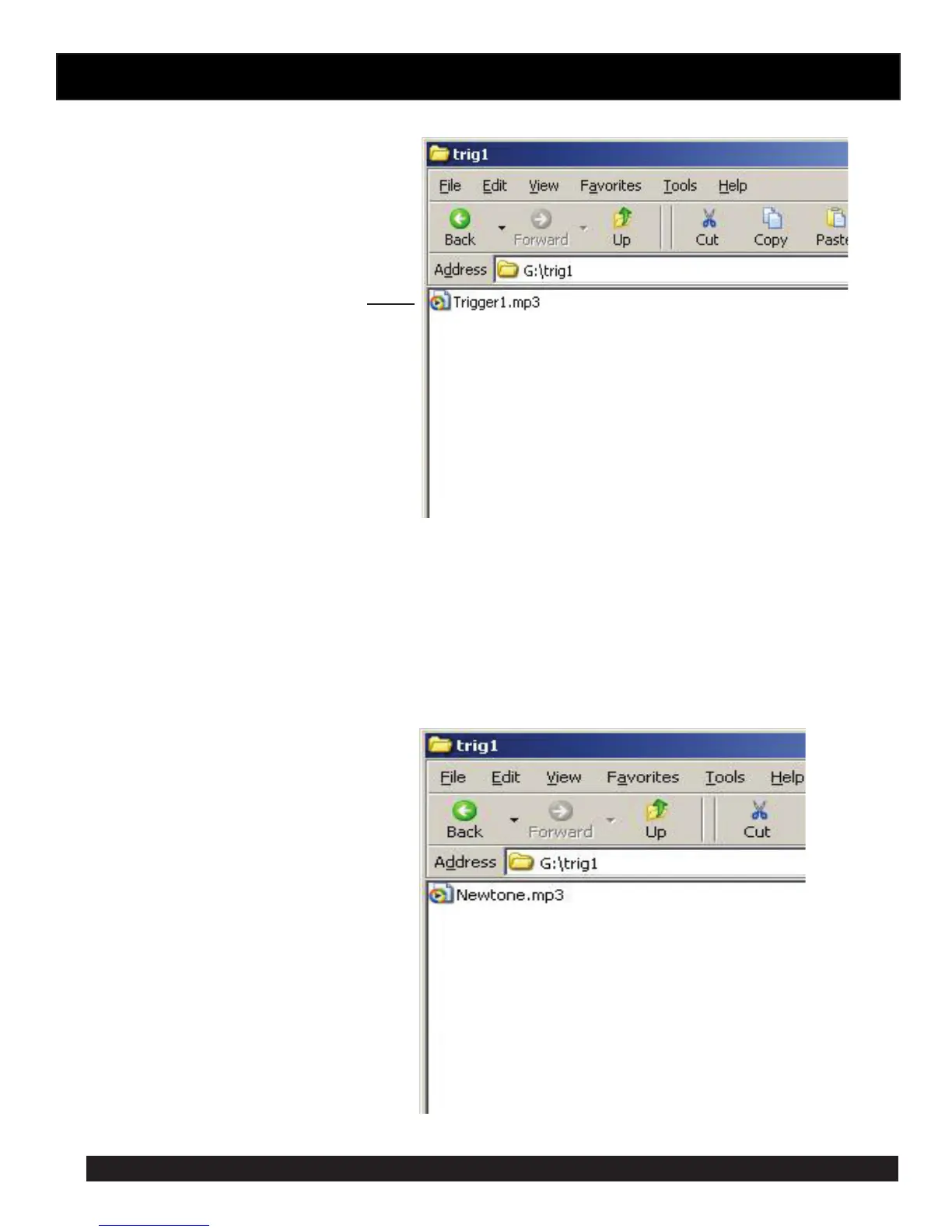
Step 3: Open folder named “trig1” and you should get a window that looks like gure 7.
Step 4: You should see an MP3 le XXXXXX.MP3 if you have never changed the trigger1 MP3 le then it will be named
Trigger1.MP3.
This MP3 le needs to be deleted and replaced by the MP3 le you want to play when you activate trigger1. The MP3
le name is not important only that there is one MP3 le in the trig1 folder. Make sure you delete the old MP3!
The folder should look something like gure 8.
NOTE the new MP3 le cannot be “Read only” to check this right click on the MP3 le and scroll down
and select Properties, you will get a window that looks like gure 9. Make sure the “Read Only” box has
no tick in it.
Fig 7
Fig 8



 To Next Page