12 / 20
Height adjustable
handle
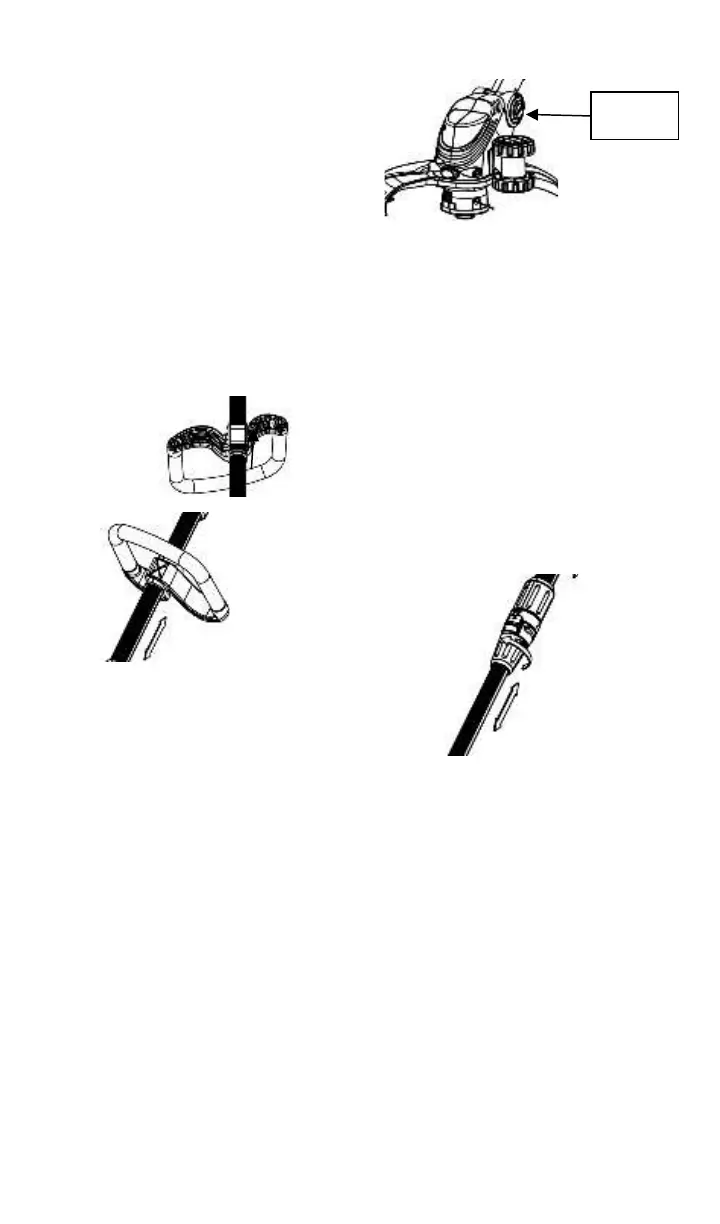
The auxiliary handle (5) is height
adjustable. To move the handle,
first release the orange handle
clamp on the underside of the
handle. Slide the handle to the
desired height and clamp in position
Setting the trimmer
head angle
The angle of the trimmer head can
be set to different working
positions.
Press the “PUSH” button with one
hand and rotate the trimmer head
to the required position. Release
the “PUSH” button and the head
will lock into place. There are 5
preset lock positions
Setting the handle
length
Turn the lock sleeve towards the
‘unlock’ symbol about half a turn.
Slide the lower part of the trimmer
up or down to the desired length.
Lock it in position by turning the
lock sleeve towards the ‘lock’
symbol.
Trimming Mode
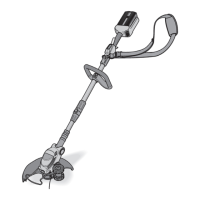
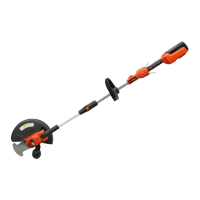
There are 2 working positions, for
normal trimming (shown in A) and
for edging (shown in B). To use the
trimmer in edging mode, it is
essential to fit the wheels. In
normal trimming mode, the wheels
are not used, but need not be
detached from the trimmer


 To Next Page