33
2. AUDIO INTEGRATION CONT’D
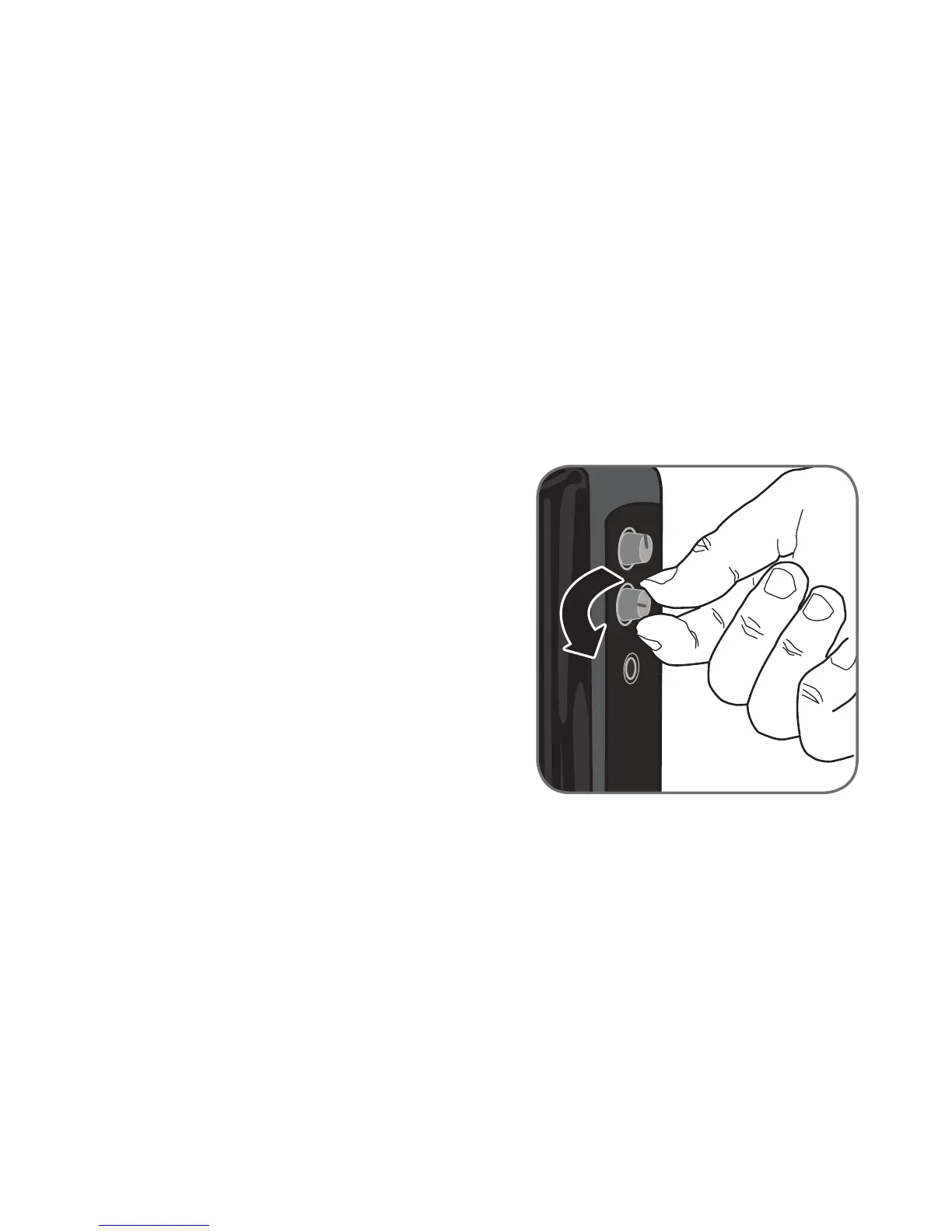
1. Turn the Audio Input volume on the REDCAT
all the way down.
2. Connect a patch cable (not included) from the
audio source into the Audio IN jack on the
side of the REDCAT.
3. With both the REDCAT and audio source
power on, adjust the volume control until the
desired level is achieved.
NOTE! Be careful not to set the volume too
high, as this can distort the speaker and
potentially cause damage.


 To Next Page