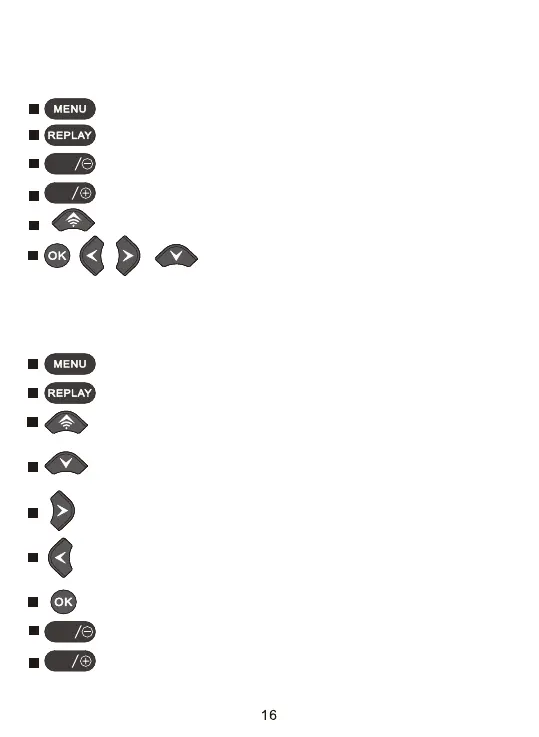
Functions of operating buttons in standby mode
Below, the operating buttons are described in the recording mode with non
activated menu.
, , ,
: No function(in standby mode).
Functions of operating buttons in replay mode
Below, the operating buttons are described in the replay mode with non
activated menu.
: Change the working mode.
: Open the Settings menu using the MENU button.
: Enter into deleting or protecting video or photo files.
: Press this button to start the replay mode.
: Turn on /turn off WiFi hotspot.
: Enter into or exit replay mode.
: Take a photo or video, or stop recording.
: Zoom out the photos.
: Zoom in the photos.
: Start and pause replay of videos.
: Drag left to view photos ofter zoom and skip back the video.
: Drag right to view photos ofter zoom and skip ahead the video.
: View existing pictures/videos backwards and drag up wards
to view photo.
: View existing pictures/videos forwards and drag down wards
to view photo.
SHOT
MODE
SHOT
MODE


 To Next Page