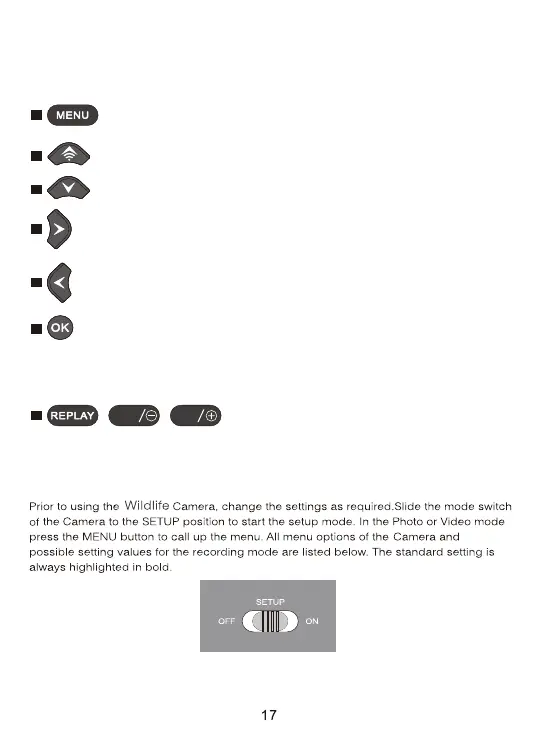
: Close the Main menu or any sub menu by pressing the MENU
button.
: Move backwardly to the data setting.
: Move forwardly to the data setting.
: Move up one menu point or increment value by 1.
: Move down one menu point or decrease value by 1.
Functions of operating buttons in MENU setting
Below, the operating buttons are described in the replay mode with activated
menu. (Recording and Replay mode).
: Open selected options or accept selected settings.
, ,
: No function (in MENU mode).
Confirm each change to a setting by pressing OK. If the change is not
confirmed by pressing the OK button, the new setting are lost when leaving
the menu.
SHOT
MODE
7.3. Settings


 To Next Page