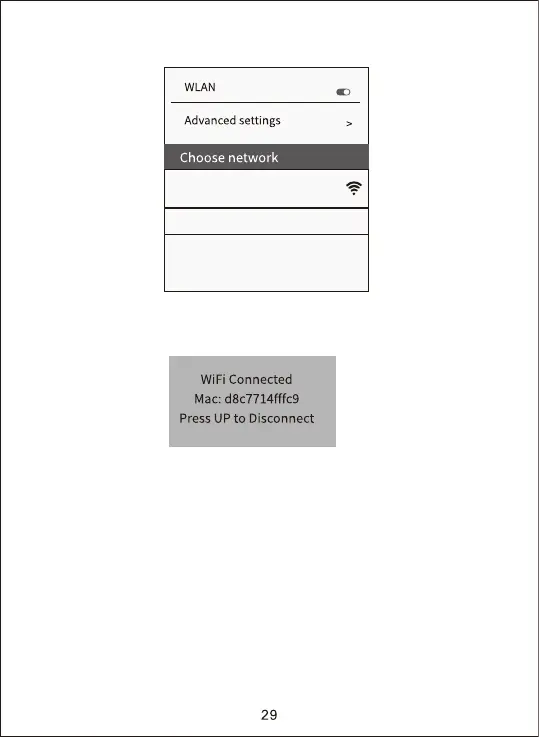
c. Return back to APP after the WiFi successful connection, And then APP
would automatically connect with camera or click ”+” to manually connect.
When the APP and camera connect successfully, the interface as below
shown:
After successful connection, the interface display in the camera as below
shown:
b. Connect with the correct WiFi hotspot, the initial password is 12345678.
4K WIFI CAM****
Connected(no internet access)


 To Next Page