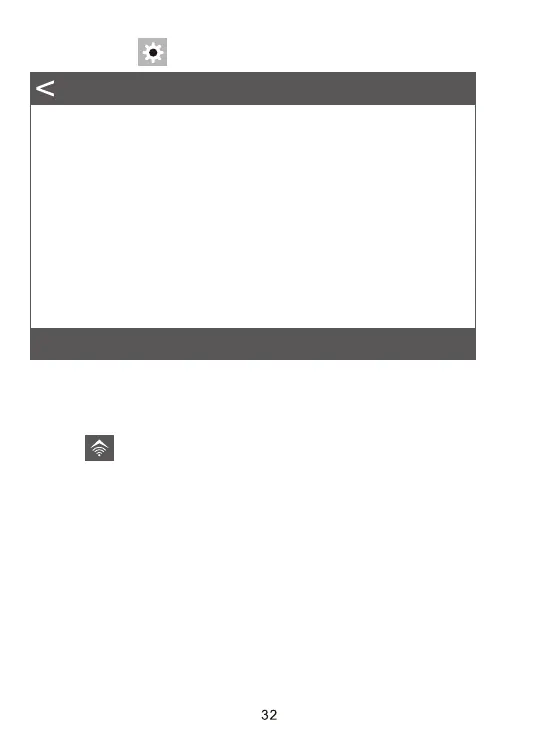
3. Click the icon to enter the menu setting, as shown below diagram.
Mode
Image Size
Sampling(valid in ‘ON’ mode)
Resolution
Record Time(valid in ‘ON’ mde)
PIR Interval
PIR Sensitivity
IR LED
Time Lapse
Timing Interval
Photo>
5M>
1 Photo>
4K P30>
00:10>
00:30>
Med>
Auto>
Off>
7.4.3. Exit WiFi
1. Press WiFi button in the camera to exit WiFi, then the camera will
automatically return to SETUP mode or ON mode.
2. Click the “EXIT” in APP to disconnect WiFi , then the camera will also
automatically return to SETUP mode or ON mode.
3. When the phone is far from the camera more than 15m, then the WiFi
hotspot in the phone will disconnect automatically, after “Auto WiFi Off”
time, the camera will automatically exit WiFi function, and return to SETUP
mode or ON mode.
Settting


 To Next Page