❲
15
❳
6. Set up
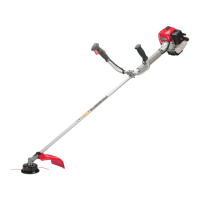
SE10
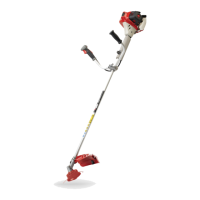
SE11
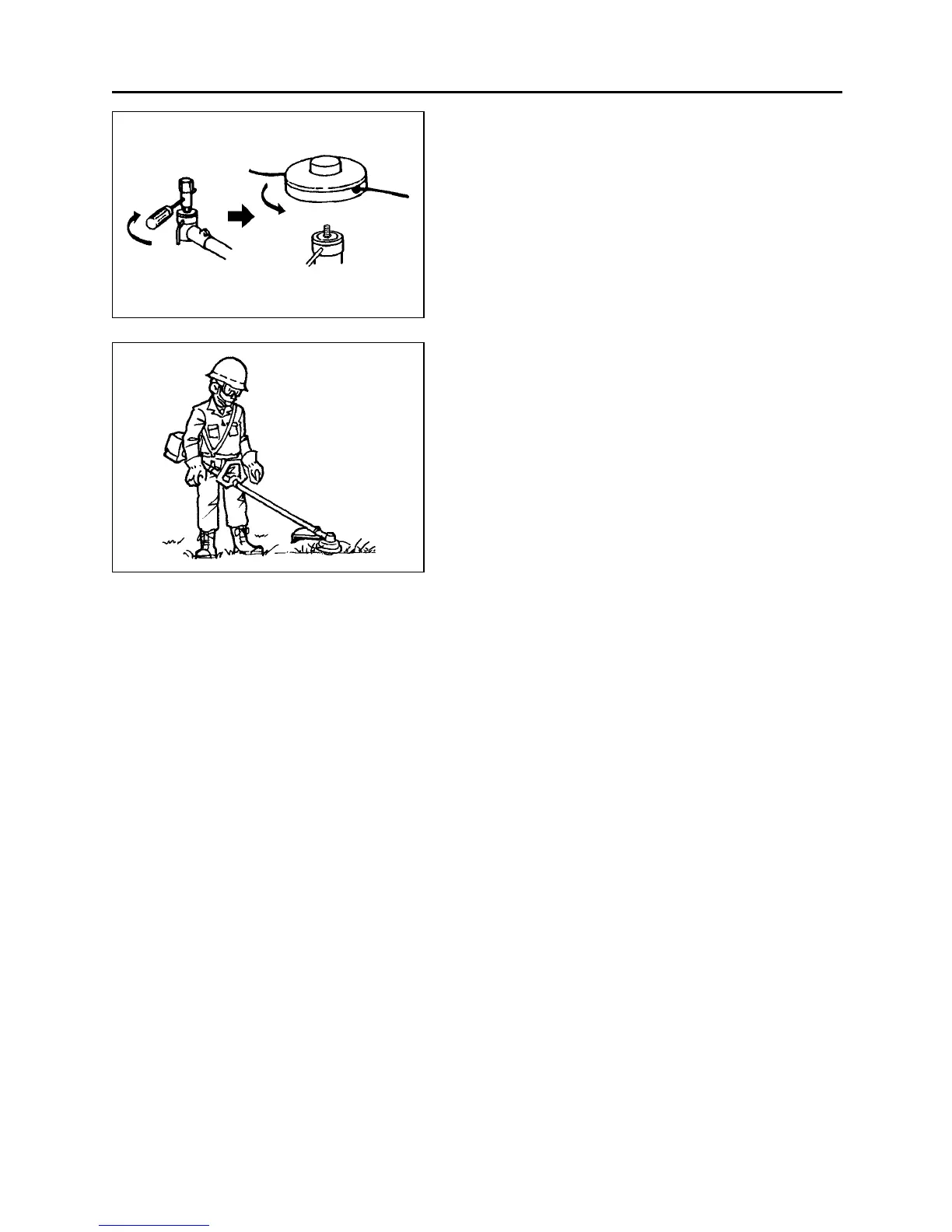
■ INSTALLING CUTTING HEAD (SE10)
1. While locking the gear shaft, by inserting the
supplied tool into the upper holder on the gear
box, loosen and remove the hexagon nut(left-
handed)
2. Fit the holder attached to the upper holder. Then
screw in the cutting head to the gear shaft over
the holders. Hand-tighten it securely.
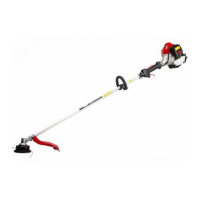
■ BALANCE UNIT
1. Put on strap and attach unit to strap.
2. Slide clamp up or down until unit balances with
head just touching on the ground. (SE11)


 To Next Page