05
Note: If the earbuds cannot be connected,
close and open the lid and then repeat the
above operation.
Automatic connection
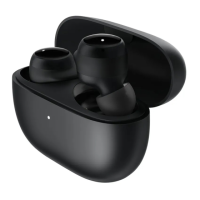
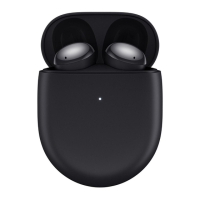
When the earbuds are in the charging case,
opening the lid of the charging case will
automatically connect the earbuds to the most
recently used Bluetooth device. If the earbuds
cannot successfully connect to any Bluetooth
device, they will automatically enter the
low-power consumption mode.
Make sure the charging case is not out of
case. Keep the lid open, and press and hold
the charging case indicator starts blinking.
Now you can search and connect with the
earbuds on a new device.
When the earbuds are connected, any previously
paired device can select and reconnect with
the earbuds from its paring records. Once
reconnected, the earbuds will disconnect from
the current device it is already paired with.
Connecting to other devices


 To Next Page