06
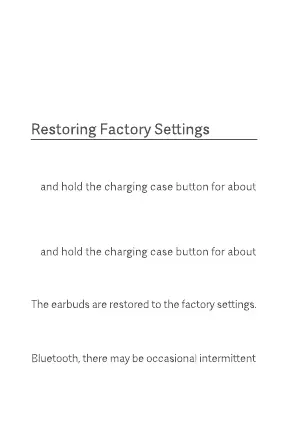
Place the earbuds into the charging case.
Methods :
Method 1: Close the charging case lid. Press
10 seconds until the charging case indicator
stays on for about 3 seconds and then turns
o.
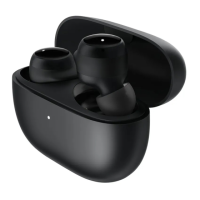
Method 2: Open the charging case lid. Press
10 seconds until the charging case indicator
stays on for about 3 seconds and then blinks
slowly.
1.
2.
Disconnected
When the earbuds are connected to a device, if
the device's Bluetooth is disabled, the device is
too far to be connected to, or both earbuds are
in the charging case with the lid closed, the
earbuds will disconnect from the device.
The connection history has been cleared and
the earbuds are waiting for a connection.
Note: Due to the technical characteristics of
loss of connection or sound in areas with dens e
electromagnetic signal interference at 2.4 GHz.


 To Next Page