9
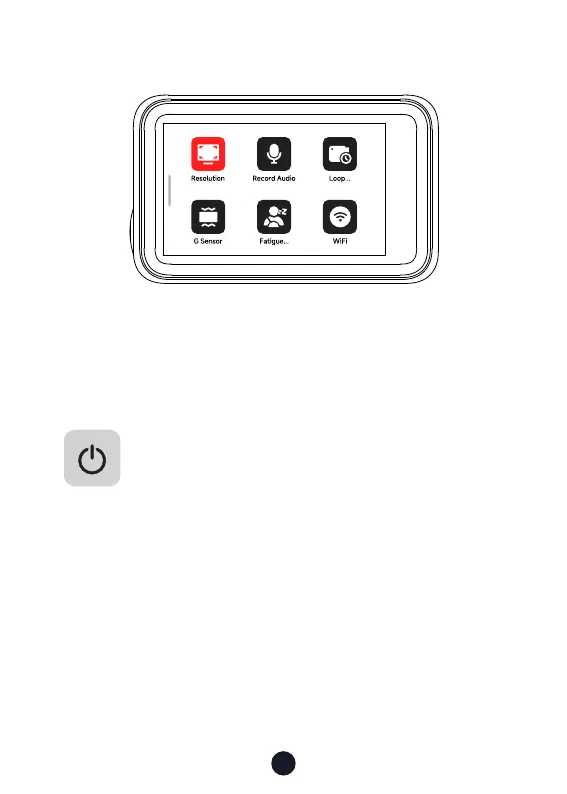
• Setting Mode
Swipe right on the recording page to enter setting mode.
Swipe up and down on the menu inteace to turn pages.
Click on any function icon to touch the screen.
Buttons and Functions
Power Button
Recording Mode:
• Sho press-to Switch screen
• Long press-to Turn o the Camera
Setup Mode:
• Sho press-to Return to the previous screen
Playback Mode:
• Sho press-to Return to the previous screen



 To Next Page